Enable glowing effects with customizable colors and themes. Add symbols, emoticons, and emojis. Choose from vibrant skins. Enhance typing visibility and creativity during messages.
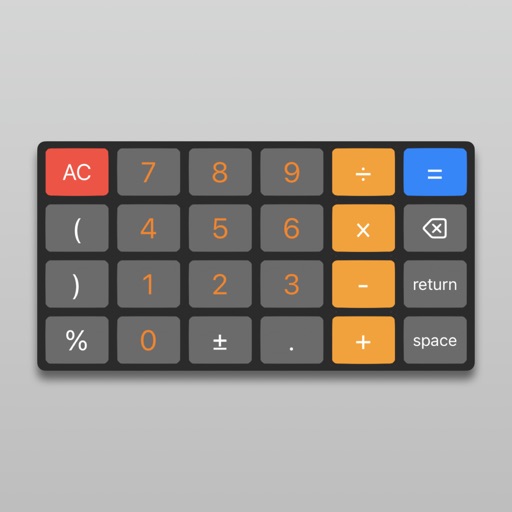
Numerical² allows users to perform calculations without an equals button. It automatically adds brackets and saves equations to a synced history list. It includes scientific functions and a Today Widget for quick access.
Allows users to navigate the using gestures. right to access customisable QuickTexts. left to view emojis, including a most-used section for quick access. The standalone lets users add or modify QuickTexts and set ten function keys.
Type a message and enlarge it to fill the screen. Edit text by tapping the screen, hide keyboard by tapping again. Display latest message in a widget supporting iOS 16 lock screen. Automatically resize text for portrait and landscape orientations.
Control computer functions with touch gestures, keyboard input, and movements. Transfer text and images between devices using the cross-device clipboard. Access specialized control panels for enhanced device management.
Fill template texts instantly from your keyboard. Store frequently used phrases, replies, and contact information. Access saved content with a single tap. Avoid repetitive typing for emails, addresses, and account details.
Type in directly in any using an on-screen . Support for iOS devices. Customize themes. Enable input without switching keyboards. Share text seamlessly across apps.
Customize lighting with RGB themes and color combinations. Adjust brightness and animation effects. Sync with device settings for dynamic lighting. Toggle LED effects during typing sessions.
Learn and practice with interactive drills for each letter. Track progress and repeat exercises for reinforcement. Use the included keyboard to input within any application.
Amharic allows typing in Geez using a phonetic input method. Users can switch to the from any . It supports Amharic language input and offers a dedicated layout for typing in Geez.