
iPhone Screenshots
Description
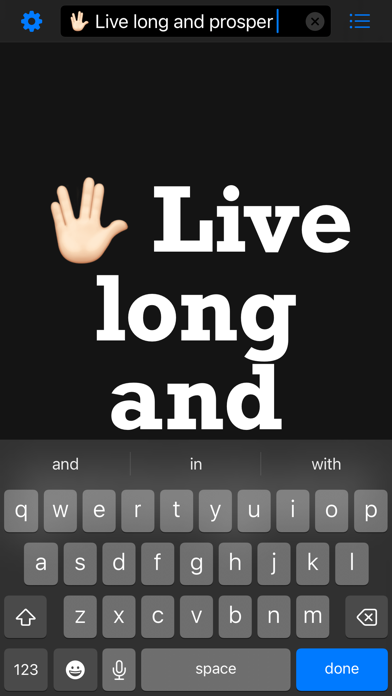
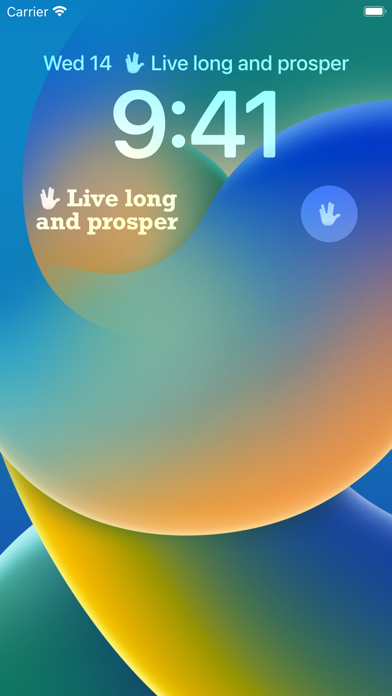
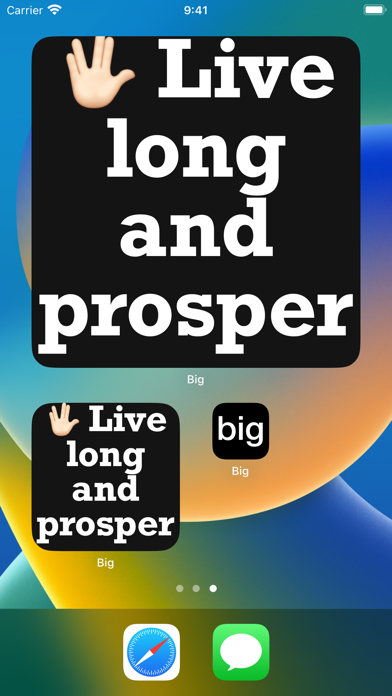
Type a message and enlarge it to fill the screen. Edit text by tapping the screen, hide keyboard by tapping again. Display latest message in a widget supporting iOS 16 lock screen. Automatically resize text for portrait and landscape orientations.
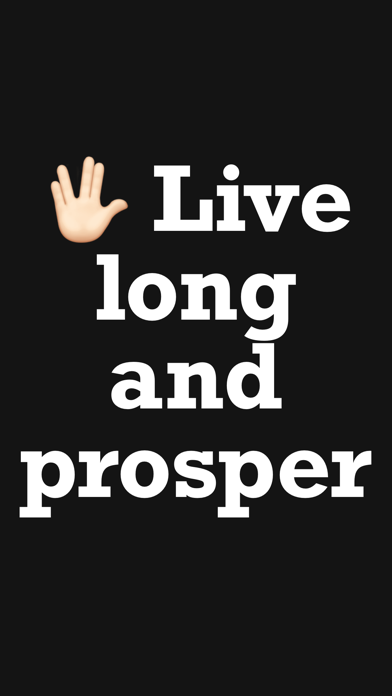
Type a message and Make It BIG!
The message will be ENLARGED to fill the entire screen.
FAST & EASY TO USE
Tap screen to edit text, Tap screen again to hide the keyboard.
WIDGETS
Show your latest message in a widget, now supporting iOS 16 Lock Screen Widgets.
PORTRAIT AND LANDSCAPE
Rotate and hold your device in any direction, the text will automatically resize to fill the entire screen.
ATTENTION GRABBING
Shake device to flash your message (alternates between background colour and text colour).
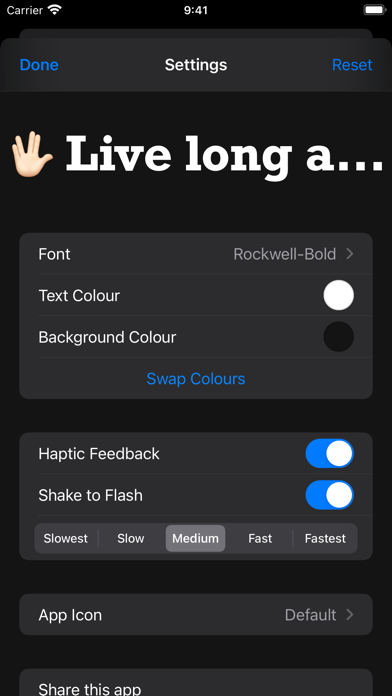
SETTINGS
- Change font
- Change text & background colours
- Swap colours
- Enable/disable haptic feedback
- Enable/disable shake to flash mode
- Set the flash speed
RECENTS
All messages shown will now be stored so you can easily show them again.
WARNING: Flashing screen may cause seizures, use responsibly.
makeitbig://?m=The%20cake%20is%20a%20lie