Edit photos with filters, stickers, and makeup tools. Smooth skin by swiping over wrinkles and blemishes. Reshape face and body with 21 micro-adjustments. Beautify photos with one tap. Apply magic sky filters and other style options.
Create characters, style outfits, customize features
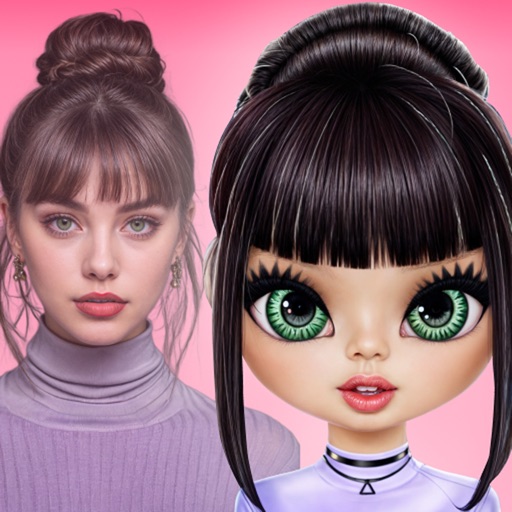
Create customizable girl or boy characters by personalizing eyes, lips, hairstyles, clothes, accessories, and pets. Design unique avatars for social media profiles. Adjust features to style and groom characters. Save and share created dolls.
Edit photos with advanced filters, backgrounds, and effects. Adjust skin tone, eyes, and facial features. Add text, stickers, and borders. Export in various formats and share directly.
Turn photos into paintings with one-tap conversion. Edit, add signatures, and share on social media. Print artwork via CanvasPop with frame and size options. Transform videos into animated paintings.
The app transforms photos into surreal art with 15 animated effects like comic-book ink, VHS, and glitch. Users can import photos or use the camera to capture images and apply real-time, on-device rendering.
The app offers pretend play motorbike driving with animations and sounds. It includes a music player with children's songs and nursery rhymes for interactive fun.
Convert photos to black and white drawings for . Import photos from device or camera. Add colors using painting tools. Create drawings on blank canvas. Premium version offers more paint colors, opacity control, and outline editing. Removes ads.
Edit photos and videos with AI-powered tools for advanced adjustments and effects. Create AI quizzes to generate celebrity -alikes and cartoon characters. Apply filters, crop, and enhance images.
Create intricate tessellations and mandalas using 20 symmetry options. Draw with customizable colors and patterns. Adjust symmetry settings to design complex shapes. Save and export artwork in various formats. Share creations directly from the .
Edit photos by converting them to black and white while retaining selected details. Use multi-touch gestures to paint areas in black and white or restore original colors. Zoom in and out with two-finger pinching. Adjust and export edited images.
Capture photos and videos with real-time filters applying effects during recording. Adjust filter position by tapping, swiping, or pinching. Edit videos with multiple filter styles ranging from funny to artistic. Share edited content directly.
Create digital art with drawing, coloring, and animation tools. Use versatile templates for Anime, Animals, Flowers, Landscapes, Mandalas, and more. Access dual drawing modes for layered artwork.
The app offers over 20 drawing tools that mimic real-life implements, including wet and dry watercolor brushes. It features a tracing projector, precision tools like rulers and shapes, and full layer support for creating detailed artwork.
Create artwork by selecting up to 300x300 stitches and 128 colors. Place stitches by tapping, paint by number, and save progress. Import images for custom designs. Stitch adjacent plaids in 3x3 grids. View completed patterns and export as images.