CADENAS Konstruktions-, Softwareentwicklungs- und Vertriebs GmbH
Visualize system environments on mobile devices
View 3D models of parts and search for components within the system. Access system data for research purposes. No CAD data download available due to lack of CAD support on mobile devices.
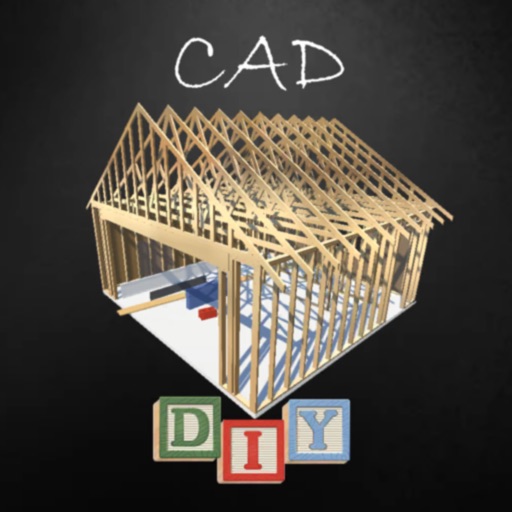
Create detailed 3D designs for projects using pre-built libraries of materials like wood and metal. Drag and drop components to assemble models. Export designs for fabrication or measurement. Track project progress and adjust dimensions in real time.
Edit photos with crop, rotate, exposure, color, sharpness, and resize tools. Create grid collages and edit individual images. Access presets, clone tool, and fine curve adjustments for detailed edits. Export and share edited photos directly.
Edit designs, process files, and control laser machines wirelessly. Snap images for processing without a computer. Curve text with drag-and-click. Generate barcodes and manage projects across devices.
Receive real-time alerts with incident details directly on your mobile device. View clear, actionable information without unnecessary clutter. Communicate instantly with team members. Perform rig checks efficiently using integrated tools.
The app allows users to draw and design with various line weights, colors, and types. It includes tools for adding text, different paper grids, and saving or exporting drawings as pictures or PDFs.
With an AI language model to discuss various topics. Ask questions, write essays or emails, and receive real-time responses. Set conversation history and adjust AI behavior settings.
Create 3D face scans for use with high-resolution mesh quality. Align scans with intraoral data for precise CAD integration. Export scans for use in software workflows.
The app offers a centralized site for collecting tips and information from various platforms. It allows anonymous or identified submissions and provides secure two-way communication while maintaining anonymity.
Measure and draw simultaneously using Bluetooth-connected devices. View measurements in 2D and 3D with multiple visualization options. Edit and save measurement data directly on the device. Export and share measurement results.
Manage construction projects with real-time access to all active projects from a central hub. Track progress, receive updates, and collaborate with team members. Automate workflows and monitor safety protocols across the entire project lifecycle.
Receive emergency incident alerts with location, type, and assigned units. View CAD comments and tap addresses to navigate via Apple Maps, Google Maps, Waze, or Foreflight .