Displays current speed in both miles per hour and kilometers per hour. Automatically switches speed units based on the country's standard. Shows real-time speed data from the device's sensors.
View and interact with 3D STL files. Rotate, zoom, and pan models using intuitive gestures. Inspect details with smooth 3D rendering. Open and explore jewelry designs, engineering models, and CAD files directly on iOS devices.
The app allows users to view, annotate, measure, and print DXF™ and DWG™ files. It supports batch opening of multiple files and various annotation tools for markups.
Images using customizable tools and colors, save creations to your photo library. Write notes as images and store them. Edit photos basic tools and save results.
Explore detailed 3D skeletal and muscular system models. Rotate, zoom, and dissect layers to view internal structures. Access a drawing gallery with anatomical references. Purchase additional muscular system content.
Access modules with in- purchases. Download free modules via the "+ Modules" tab. View module prices and download for free during the limited-time offer. Receive continuous updates with new modules based on user requests.
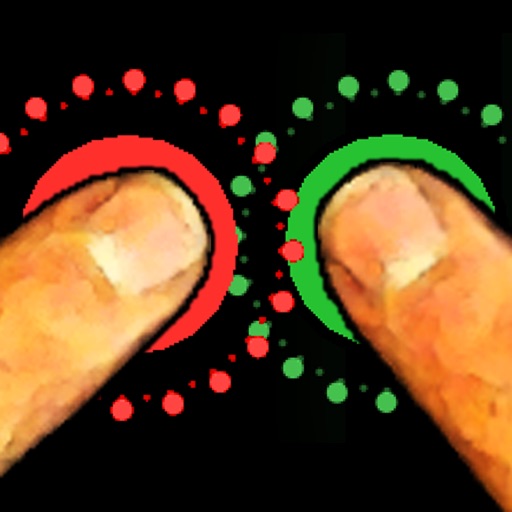
The app allows friends to place fingers on the screen, and it selects one. It can be used for making decisions such as assigning chores or choosing a dining location.