Calculate intervals with precise unit conversions. Adjust decimal and thousands separators for regional settings. Customize display formats for results. Access in- settings to modify feedback type and default formats.
The app allows users to print or email calculation history as a PDF. Users can correct entries with a backspace key and customize display and tape fonts, colors, and sizes.
Solve math problems with basic and complex calculations. Convert units and exchange currencies. Use fractions and square root functions. Perform calculations quickly and accurately.
Calculate monthly payments by entering amount, interest rate, and term. Compare different scenarios to see how payment amounts change with varying terms and rates. Adjust inputs to explore financial options and make informed decisions.
The app offers a general use calculator with a simple interface and large buttons. It supports large numbers, negative numbers, and decimal places, displaying only significant digits.
Allows users to perform basic arithmetic operations including addition, subtraction, multiplication, and division. It supports percentages, parentheses, and expression editing.
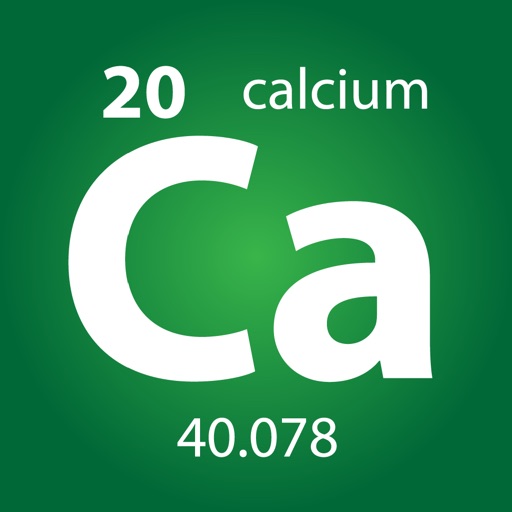
Calculate molecular weights with a dedicated organic chemistry calculator. Long-press elements for details. Input elements, numbers, and parentheses for real-time results. Access a full-sized periodic table with combined periods 1, 2, and 3.
Take notes with handwriting, typing, or PDF annotations. Use customizable covers and templates. Choose from 10+ pens and brushes. Adjust pen thickness and color. Draw shapes and lines. Export notes in multiple formats.
Allows users to measure and calculate dimensions using feet, inches, and sixteenths. Input tape measure data directly for accurate conversions. Calculate angles and verify corners without manual calculations.
Perform calculations with a dedicated calculator. Save and share calculation history via PDF or email. Use dark mode and access the through Today View. Sync with Apple Watch for on-the-go use.
Calculate monthly payments by inputting amount, interest rate, and term. Adjust variables to see payment changes. Display results clearly without additional features.
The app allows users to print or email calculation history as a PDF. It includes a backspace key for corrections and supports document exchange via iTunes.
Calculate differences between dates and times. Add or subtract hours, minutes, and seconds. Convert formats and view results in various units. Track elapsed and set custom intervals.
The provides scientific calculations, unit conversion, and logic-based computations. Users can switch between modes. It includes a built-in manual for operation guidance. Perform n-base conversions and unit-based calculations.