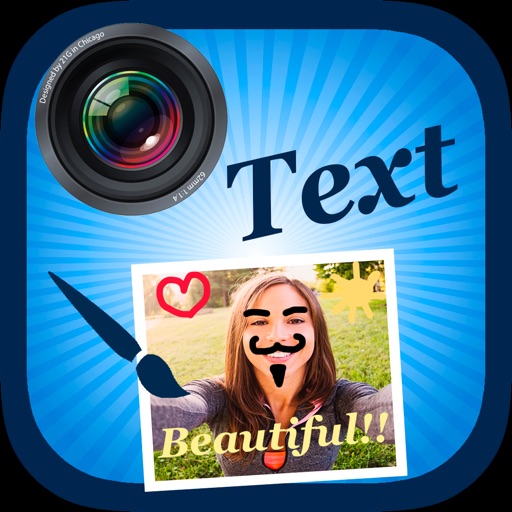
Edit by selecting from the gallery or taking a new photo. Adjust images to a square format. Add text with customizable fonts, colors, and borders. Move, rotate, and scale text. on with finger input.
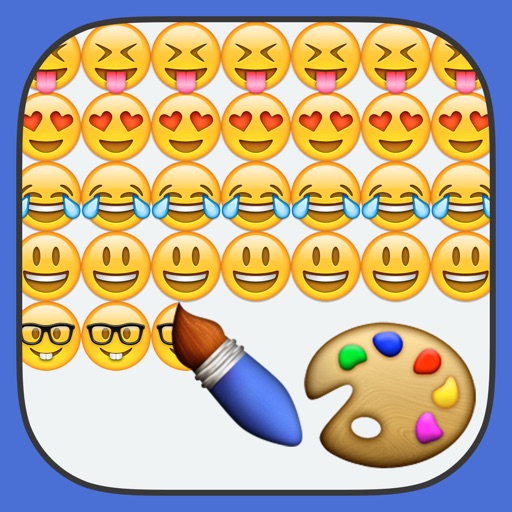
Create paintings using emojis. Select from over 1600 emojis. Adjust size and other settings. Zoom in and out for precision. Works on iPhone, iPod Touch, and iPad.
Color by lets users select from various artistic images and follow numbered instructions to fill in diamonds. Customize shapes and choose from regularly updated, family-friendly designs.
Edit photos with filters, effects, and frames. Adjust brightness, contrast, and balance. Crop, rotate, and straighten images. Add text, stickers, and drawings. Paint on photos or blank paper. Apply splash and tilt shift effects.
The app allows users to paint with their fingers, choosing colors and sizes to create art. Users can draw shapes and names with random flower colors, then save the drawing to their photo gallery.
Pollux Bilisim Teknolojileri Sanayi ve Ticaret Limited Sirketi
Sketch on photos with AR
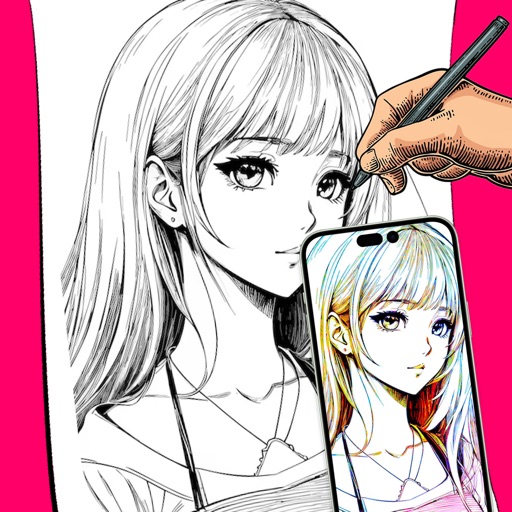
Use AR to sketch and draw on photos with realistic ink effects. outlines or create pencil sketches from images. Convert photos into artistic drawings with AI-powered tools. Save and share finished artwork directly.
Convert photos into printable pages using AI. Upload images to generate detailed sketch outlines. Customize pages with color options. Print or share finished artwork directly.
Create drawings and paintings using a variety of colors and brushes. Select from pre-drawn shapes and stickers. Save artwork to device storage. Share creations via social media or email.