™ turns a mobile device into a control for computers. It includes a cross-device clipboard for text and image transfer. Users can navigate with a virtual , keyboard, and touchpad. Specialized control panels allow precise device management.
Turns your iPhone into a wireless for your Mac. Use full gesture support for scrolling, zooming, and swiping. Connect via Bluetooth or USB cable. Type on your Mac using the built-in keyboard.
Control computer functions with touch gestures, keyboard input, and movements. Transfer text and images between devices using the cross-device clipboard. Access specialized control panels for enhanced device management.
Mirror and control desktop screens over WiFi, USB, or LAN. Cast displays to TVs, tablets, or phones. Access remote computers for file transfers and control. Use drawing tablets for digital art. View and interact with remote desktops and applications.
Access computers' desktops and control mouse and keyboard actions. View live screens, navigate files, and run applications remotely. Connect via account credentials and tap to establish a session.
Stream games from Xbox to iPhone or iPad. Control game volume and chat audio. View game stats and player profiles. Navigate menus and access game settings remotely.
The app offers unlimited audio recording and transcription services. It includes AI-powered features for summarizing, rewriting, and translating audio content.
Your Mac remotely via iPhone using the same WiFi network. Adjust settings, launch apps, and use a virtual trackpad. Customize gestures and automate tasks with predefined actions. Monitor system status and manage connected devices.
Download and manage files and on iOS devices with full-featured download management, auto-corrected file names, and pause/resume support. Browse the web with Safari-like features, including bookmarks, private browsing, and custom search engines.
Control media playback on Mac or Windows PCs via WiFi. Adjust volume, skip tracks, and pause playback. Supports , YouTube, Hulu, Vimeo, and iTunes. Requires computer and installation. No physical needed.
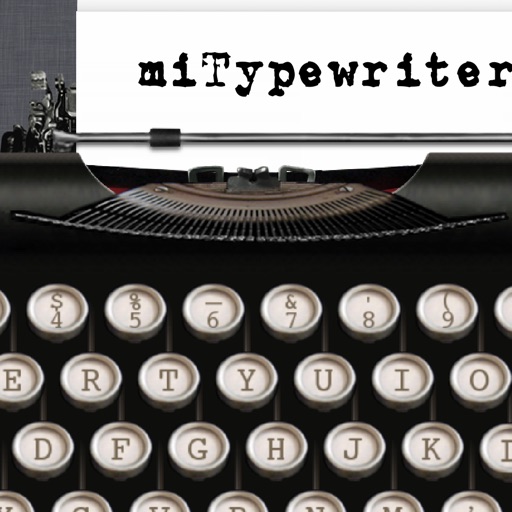
The app presents a typewriter interface on an iPhone or iPod Touch. Users can manage documents, email content as text or images, and utilize features like a backspace key and external keyboard support.