Create illustrations, logos, and UI designs with precise drawing tools. Import and edit graphics. Organize projects in workspaces. Export in multiple formats. Collaborate in real-time with others. Adjust colors, shapes, and layers.
Use iPhone as a connected via USB to mirror Mac screen. Draw with Wacom stylus and 3D Touch. Control canvas with touch gestures for zoom, scroll, undo, and redo. Connect securely for real-time screen mirroring.
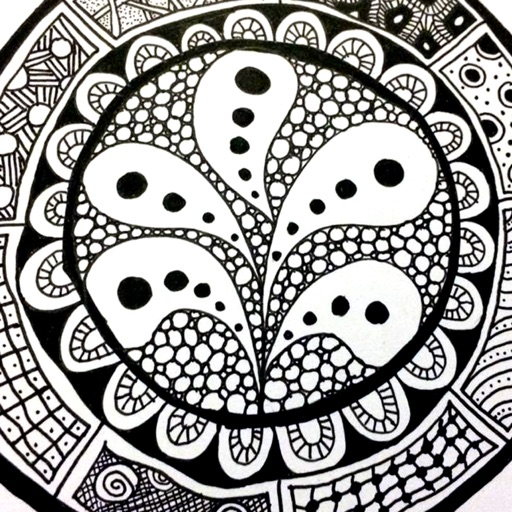
The app provides a reference guide for doodlers, featuring 100 tangle patterns with drawing instructions. Users can browse a gallery of creations and share their own drawings.
The app allows users to draw anything using a grid. Users can select any area of an image, choose different grid types, and adjust grid size, color, and thickness.
Draw and create with finger or Apple Pencil. Access professional tools including layers, brushes, and materials. Import images. Edit and save drawings. Share completed artwork.
Create digital artwork with natural stroke support on a large . Import and embed multiple file types including video and audio. Access PSD and PDF files directly for editing. Share drawings with other apps.
Use iPad and Apple Pencil as a liquid crystal tablet. Draw in PC programs like Photoshop and Clip Studio. Connect via wired or wireless. Supports pressure sensitivity and real-time rendering. Export drawings as image files.
Study cards with adaptive quiz ordering based on performance and active learning. Take quizzes in multiple formats including spelling, multiple choice, and typing. Customize quiz settings for question count, card side, and order.
Study with using spaced-repetition and Apple Pencil. Create and annotate notes directly in apps. Export for mobile review. Track progress and manage study sessions. Sync notes across devices.
Create and review flashcards with swipe gestures to flip . Draw notes freely with finger or Apple Pencil. Hold to flip card over. Shake for random card. Swipe down to cancel or up to delete.
Create notes, drawings, and organize content on an endless . Import and annotate PDFs, add images, and use intuitive drawing tools. Zoom in or out, choose backgrounds, and export work for sharing. Sync across devices using iCloud.