

Apps Like Pencil Notes: Handwriting for iPhone and iPad
Pencil Notes: Handwriting screenshots
Ranked alternatives
Showing 41–60 of 1,000 ranked alternatives.
Draft Paper
Giles Goddard
Draw, export, and organize blueprints
Create floor plans and layouts by drawing lines, rectangles, and shapes on up to 10 layers. Add text, arrows, and measurements. Export designs as PDF, JPEG, or DXF. Sync files via iCloud and transfer via DropBox.

InkSpace
Tyler Sherman
Sketch, write, and organize ideas
Create unlimited notebooks with customizable pages. Write, draw, and sketch using Apple Pencil, stylus, or fingers. Add text, shapes, and media. Organize notes with folders and tags. Export pages as PDF or image files. Share notes directly from the .

Bear - Markdown Notes
Shiny Frog Ltd.
Write, organize, and link
Write and organize using . Create journals, plan daily tasks, and track progress with tables and lists. Link together, sketch ideas, and write books. No account required. Export and share directly.

Keynote: Design Presentations
Apple Inc.
Create presentations with text, images, and charts
Create presentations with text, images, charts, tables, and shapes. Add handwritten notes with Apple Pencil or finger. Apply animations and transitions. Insert live video and appear on slides during remote presentations.

Stylus Labs Write Pro
Matthew White
Edit handwritten notes and sketches digitally
Edit and navigate handwritten documents with vector drawing tools. Organize files using Apple's document browser. Sync with iCloud and other cloud services. Save in open SVG format for compatibility with other vector graphics software.

Notepad+ Pro
Mosaic S.r.l.
Note, sketch, annotate, export, organize
Take notes, draw, and sketch using Apple Pencil. Annotate PDFs, Excel, Keynote, and Numbers files. Create lists, memos, and organize notes. Export notes in multiple formats.

Notewise - AI Notes, PDF, Docs
ZIIKR Pte. Ltd.
Organize notes, sketch, and annotate
Create and organize notes with a freeform canvas for sketching, annotating PDFs, and journaling. Use AI to generate text from handwriting, search notes by content, and structure ideas with tags and folders.

Writey Cursive Handwriting
Writey B.V.
Practice in multiple languages
Practice in multiple languages with interactive lessons and worksheets. Learn calligraphy, , and print writing. Correct letter formation for children and refine skills for adults. Track progress and access various writing styles and exercises.

Numbers: Make Spreadsheets
Apple Inc.
Create spreadsheets with templates
Create spreadsheets using templates for budgets, invoices, and more. Use functions, draw with Apple Pencil, or write with finger. Add tables, charts, text, and images. Reorder columns and rows by dragging. Resize tables and double-tap to edit.

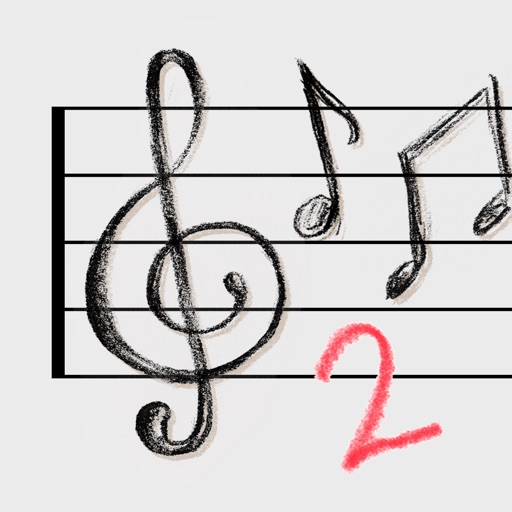
Staff Sketch Pad 2
Pinpoint Solutions, Inc.
Write music on iPad with Apple Pencil
Create and edit musical scores using Apple Pencil, finger, or stylus. Organize compositions in folders. Use templates or import custom paper. Share or print scores as PDF. Copy and paste sections for editing.
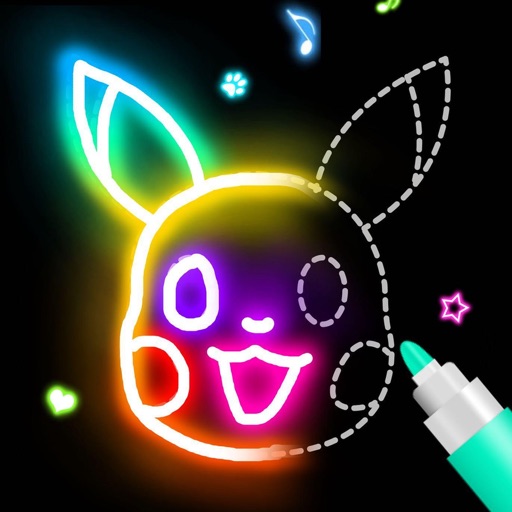
SketchBook -drawing & painting
ISMITECH COMPANY LIMITED
Draw and paint any image
Draw and paint images using customizable color pencils, pastels, and brushes. Choose colors freely and adjust settings for precise control. Save artwork to camera roll and share via Facebook or Twitter.

SuperNotes Note Taking App
Rocket Apps GmbH
Write, draw, and annotate notes freely
Take handwritten notes with stylus or fingers. Import and annotate PDFs. Add text, images, shapes, and stickers. Move, resize, or rotate objects. Use layers for organization. Export documents as PDF.


UltraNotes - Note Taking & PDF
Skyjos Co., Ltd.
Create notes with covers and templates
Take notes with handwriting, typing, or PDF annotations. Use customizable covers and templates. Choose from 10+ pens and brushes. Adjust pen thickness and color. Draw shapes and lines. Export notes in multiple formats.

Pencil Planner & Draw Calendar
Wasdesign, LLC
Plan your day, week, month, and year
Plan daily, weekly, monthly, and yearly tasks with customizable templates. Write notes, set goals, and organize schedules. Sync across devices and export events. Track progress with handwritten journal pages.

How we rank alternatives
Apps are ranked by functional similarity, category fit, rating confidence, and popularity.