Use AR to draw on real surfaces by outlines. Share drawings with others. Learn techniques through interactive lessons. Practice new skills in a realistic environment. Export artwork in various formats.
And with tracing guides and step-by-step tutorials. Choose from various fonts and styles. Trace letters, letters, and symbols. Access inspirational quotes and decorative elements. Use a high-tech tracing projector for guidance.
Use camera to and in real-world environments. Apply colors and textures with touch gestures. Adjust brush size and opacity. Save and share drawings directly. Sync with design tools for further editing.
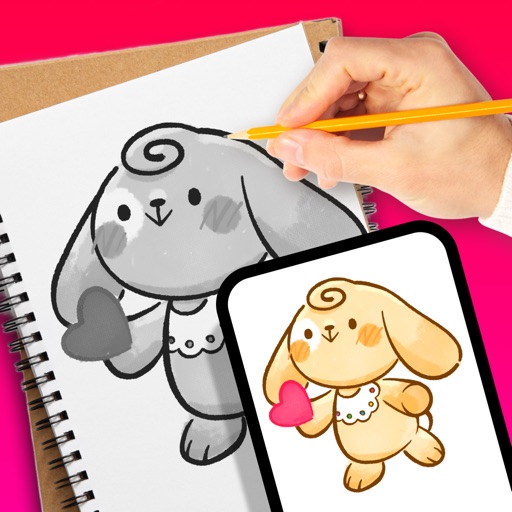
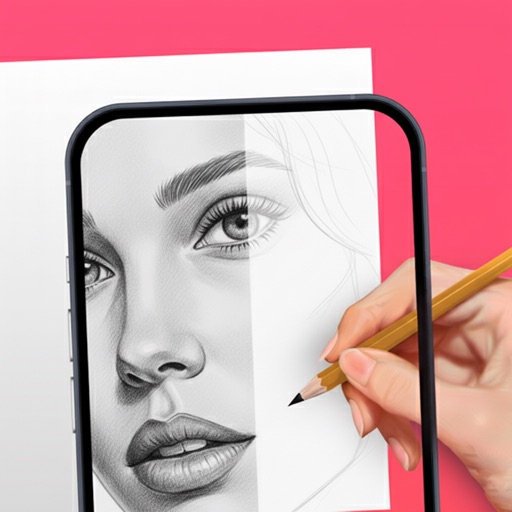
Learn to draw with -by- tutorials and AI guidance. Use your phone's camera as a projector to trace and practice. Access drawing lessons for all skill levels, from beginner to advanced.
Create and customize stick figures with drawing tools. Add expressions, clothing, and accessories. Save and share drawings. Explore interactive scenes with hand-crafted animations. Import and export artwork.
Use AR to objects in real-time and create sketches. over traced images with customizable brushes. Save and share artwork. Adjust colors and line thickness. Export drawings in various formats.
The app provides tools for realistic oil painting and unique effects like Worm Pen. It features live-calculated brushes and strokes that interact with a generated canvas texture.
Create pixel art sprites with drawing tools and a powerful engine. Open and edit pixel art files from Files. Use iCloud Drive for cloud storage. Support Apple for precise input. Import and customize color palettes.
On , blank canvas, or images using pen, line, arrow, and shape tools. Edit photos with filters, adjustments, effects, and cropping. Customize tool size and opacity. Add text, stickers, and emotions. Export drawings in various formats.