Annotate images with tools like arrow, rectangle, circle, text, and magnifier. Import photos from library, camera, or map. Export with custom sizes and share. Customize colors, undo changes, and manage layers. Crop images and save history sessions.
The app allows users to draw anything using a grid. Users can select any area of an image, choose different grid types, and adjust grid size, color, and thickness.
Study flashcards by masking words or sentences with drawing lines. Import image files, PDFs, or text documents. Masking lines change color based on correct answer percentage. Track marks with one-handed operation.
See color values in real-time using the camera or convert photos to grayscale. Measure lightness of specific points. Apply grayscale filters for sketching. Helps with grayscale art and contour line practice.
Study vocabulary or sentences by masking them with adjustable lines. Change line color based on accuracy. Automatically adjust lines for PDFs and fix angles. Batch mask content using search. Import files from cloud storage or device.
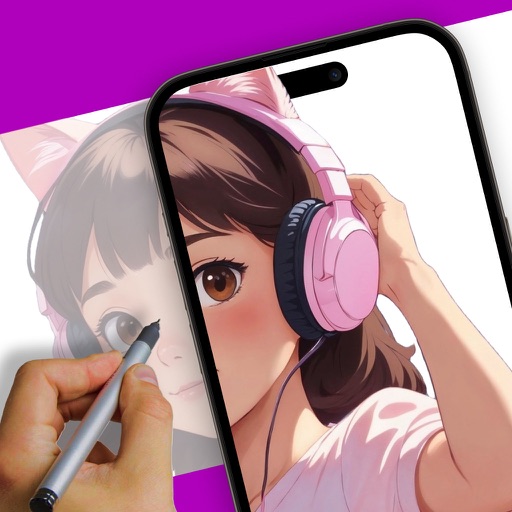
Create art using augmented reality by sketching and painting on any surface. Import or select artwork, adjust transparency and contrast for tracing. Position phone on a stable surface above a canvas to project and draw.
Create drawings using AR tools, trace real-world objects in real-time, and convert photos into sketches. Access a library of templates for design projects. Share artwork directly from the .
Create and share digital art with coloring pages, art games, and tracing tools. Design in 3D and display creations in a personal digital museum. Collaborate on drawings with friends and family.