Scans websites for user-defined keywords and blocks them if matches are found. Users can customize blocked keywords in settings. A popup prompts confirmation before accessing blocked sites.
The app offers one-handed operation with thumb-reachable buttons. Users can customize layouts, register frequent search terms as buttons, and access search history with a single tap.
Control a remotely using hand gestures captured by the camera. Navigate pages, scroll, tap links, and adjust settings without touching the screen. Operate from a distance or while hands are occupied.
Provides Western, Eastern, Phonetic, and Typewriter layouts. Allows searching and translating within the . Automatically saves text and organizes it by date. Enables sharing via email, message, Facebook, Twitter, and clipboard.
Browse the web with or mobile site views. Switch between portrait and landscape modes. Get search suggestions from Google, Bing, or DuckDuckGo. Manage bookmarks efficiently.
Browse the web in full-screen mode on Apple . Access favorite sites from the face. multiple engines with one tap. View news, social feeds, and weather without needing an iPhone.
The app provides extended keys for the Portuguese keyboard on iPhone and iPod. It includes arrow keys for caret movement and dedicated keys for typing extended characters and quotation marks.
Browse securely, customize your experience, and navigate
Software offers a minimalist interface for efficient browsing and using natural language processing. Users can customize settings, block ads, and manage bookmarks. It supports multiple tabs and allows secure browsing with built-in privacy tools.
The app finds Cangjie input sequences for Chinese characters. Users copy and paste Chinese text into the search box to instantly see the Cangjie codes.
Discover trending hashtags by niche. Analyze engagement metrics for posts. Suggest optimal posting times. Track follower growth and content performance. Manage multiple social accounts in one place.
Add images from Photos, iCloud, other apps, clipboard, or URLs. Tap to view fullscreen with optional titles. Randomize images every 15 minutes to daily. Adjust positions and zoom. Swipe between images.
The app connects to Mac computers from iPad, iPhone, and iPod Touch. It supports Retina display and offers features like a trackpad, virtual mouse buttons, and a functional keyboard with shortcuts.
Edit files with multiple tabs for simultaneous editing. Use custom fonts and line numbers for precise code work. Access files via iCloud and integrate with Files . Support 191 programming languages with syntax highlighting. Choose from 242 themes.
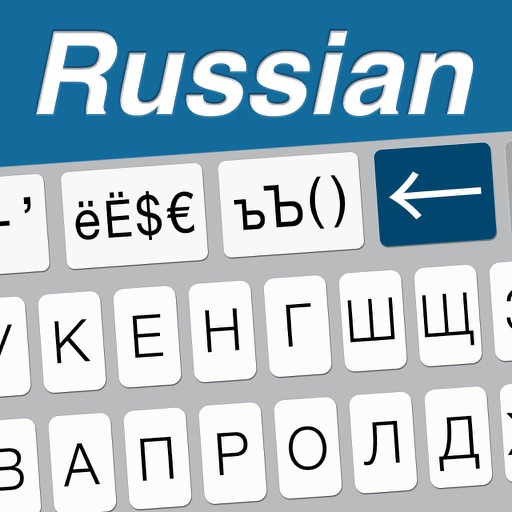
The app provides extended keys for the Russian keyboard, including arrow keys for caret movement and dedicated keys for extended characters. It also features Russian word prediction and auto-determination of marks.