
iPhone Screenshots

Description
Add images from Photos, iCloud, other apps, clipboard, or URLs. Tap to view fullscreen with optional titles. Randomize images every 15 minutes to daily. Adjust positions and zoom. Swipe between images.
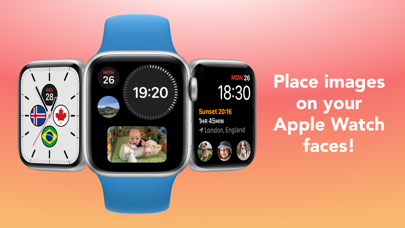
Add images to your watch faces, tap them to go fullscreen!
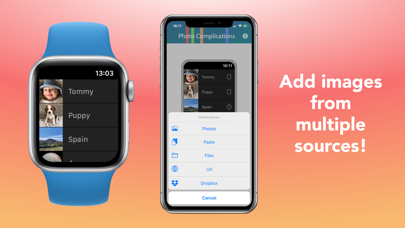
• Add images from your Photos library, iCloud, other apps, the clipboard, or a url
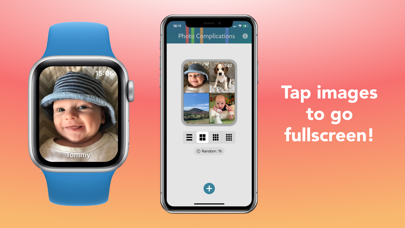
• Tap them to go fullscreen, with an optional title
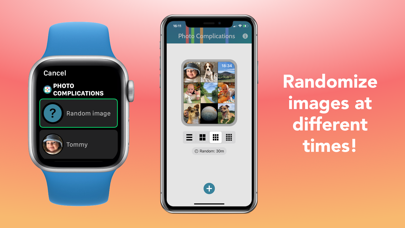
• Randomize images, from every 15 minutes to once a day
• Adjust image positions and zoom in, for complications and when fullscreen
• Swipe between images
• Paste in images from the clipboard
• JPEG, PNG, HEIF, JPG, BMP, and GIF (non-animated) image types supported
For non-multicolor complications, on older watch faces, you can display the app icon to jump straight to an image.