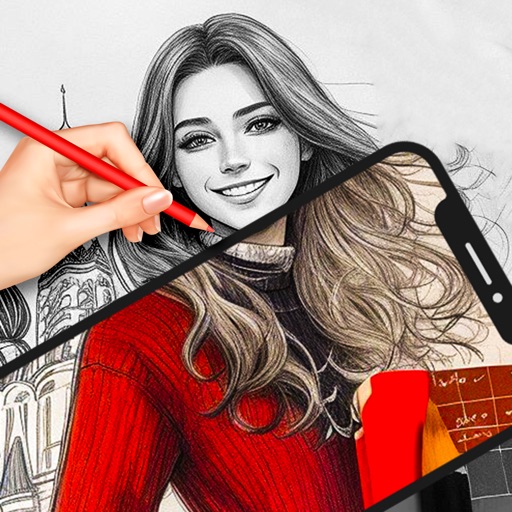
The app provides graphic design and drawing tools for creating sophisticated projects. Users can design and collaborate anywhere, using photos, fonts, and shapes to create various graphics and art.
Record and organize ideas with sketching, writing, and note-taking features. Sketch digitally, add text, and collect visual references. Sync across devices and access projects anywhere.
Create and annotate digital whiteboards with infinite canvas size and zoom. Choose from three paper backgrounds. Export to PDF. Toggle between light and dark modes. Purchase additional boards without recurring charges.
3D models using gesture-based controls for object and camera manipulation. Multi-select vertices, edges, faces, and objects with long taps or frame drawing. Merge, connect, and create faces from vertices. Draw cuts on edges.
Create 3D models using sculpting tools and pressure-sensitive drawing. Support Apple Pencil and 3D Touch for precise control. Utilize wide color display for vibrant visuals. Render models in real-time with device graphics processing.
Draw with pencil, brush, eraser, marker, and pen. Customize brushes with texture and fill colors using a bucket tool. Add text and shapes to drawings. Change backgrounds with color, texture, or images. Use grid for guidance and mirror for faster .
Create mandala paintings using vector-based tools. Zoom smoothly for precise details. Choose from various colors and brush styles. Save and share drawings directly. Adjust layer settings for customization.
Create notes and documents by hand with AI-powered recognition. Draw, sketch, and annotate PDFs on an expandable canvas. Convert to text and create diagrams with intuitive gestures. Organize content with layers and embed images.
Create flipbook animations with frame-by-frame drawing. Use pressure-sensitive pen and eraser tools for artistic effects. Edit with undo/redo features. Add predefined animations and effects. Export and share finished projects.
Create drawings with Apple Pencil support. Use grid or lined backgrounds. over existing images. Save square images. Add widgets to showcase drawings on the home screen. Enable multitasking and multi-window features on iPadOS.
Create art with customizable brushes and access to 700 additional premium brushes. Design comic panels using 1000 screentones and 60 fonts. Apply filters and use fun background brushes. Save and share artwork directly.