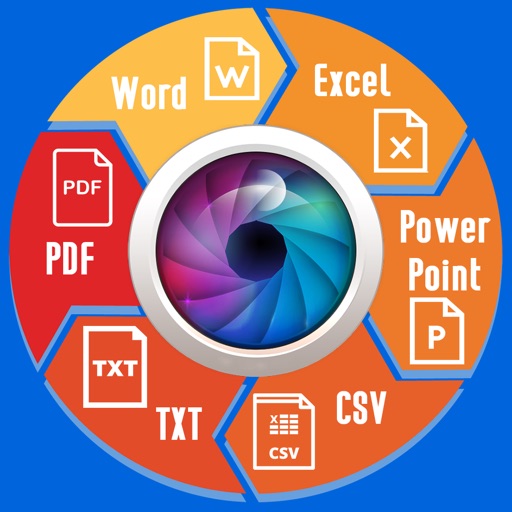
Convert files to PDF with support for Word, Excel, PowerPoint, images, text, PNG, JPG, and HEIC formats. Edit and annotate PDFs. Export as PDF or other formats. Share converted documents directly.
Extract text from scanned images and convert to Word, Excel, or PDF. Edit extracted content in Word or Excel. Convert tables and format from images to Excel or Word. Save as text files or PDFs. No registration required for conversions.
Securely store and hide sensitive documents and files with encryption. Set custom passwords and fake codes to restrict access. View hidden content through a shared code. Lock and unlock files with a passcode.
Organizes birthdays with a year view for quick overview. Set multiple reminders with customizable times. Access upcoming birthdays via home screen widget. Import from contacts or Excel files. Create multiple birthdays quickly.
Manage student and class information with customizable profiles and roster creation. Track attendance, grades, and notes. Schedule and organize lessons. Export data in various formats. Access all features offline with optional cloud synchronization.
View, manage, clean, and convert documents, archives, spreadsheets, media files, and PDFs. Organize files offline. Open and edit text within PDFs. Convert files between formats. Securely store and access files without cloud upload.
Convert files to PDF with precise formatting. Select files from your device, convert them instantly, and view the resulting PDFs immediately. Share converted files directly or save them for later.
Organize and track your collection with detailed categorization and search. Log reading progress and set goals. Share reading lists and connect with other users to exchange recommendations and discuss books.
Convert files like images, text, zip archives, Word, and Excel documents to PDF offline. Edit PDFs with annotations, add watermarks, and merge files. Share converted documents directly or export in multiple formats.
Create custom labels using 870 symbols, 60+ frame designs, and personal images. Edit templates or start from scratch. Share labels directly or print them using compatible printers.
Convert scanned or photographed documents into organized Excel files. Extract text and tables while preserving original formatting. Edit and rearrange data within the . Export to XLSX format and share digitally.
Securely store and hide sensitive documents and files with encryption. Set custom passwords and access codes. Create hidden folders with fake passwords to restrict viewing. Lock and unlock content remotely.