Apps Like iDoceo - Planner and gradebook for iPhone and iPad
Manage students and classes efficiently
Manage student and class information with customizable profiles and roster creation. Track attendance, grades, and notes. Schedule and organize lessons. Export data in various formats. Access all features offline with optional cloud synchronization.
by iDoceo Studios Ltd.★ 4.81,396 ratingsEducation$19.99Data updated 2026-10-11
Create and manage teams either randomly or manually. Import students from CSV/XLS, Google , contacts, or . Sync data across devices via iCloud. Track team progress and manage activities efficiently.
Allows users to create custom lists for students, quizzes, or other items. Spin a wheel for selections. Track who has been picked and review history. Automatically remove used slices. Works on iPhone, iPad, and iPod.
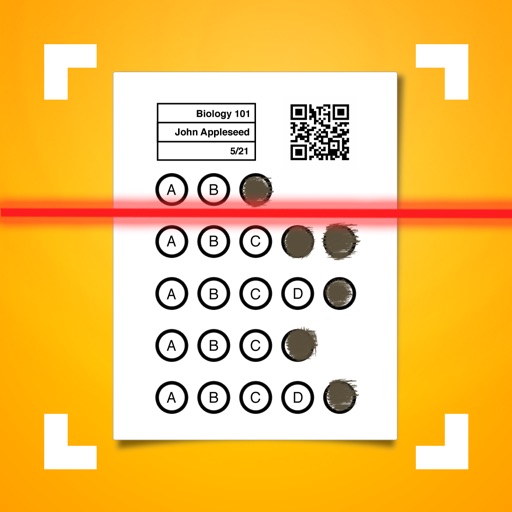
Allows users to create classes and configure assessment answers. It automatically grades bubble sheets and displays scores in real time. Export data to XLS or CSV, sync with Google Classroom, and integrate with .
View grades and track assignments, homework, and schoolwork. Receive reminders and push notifications. Add customizable widgets for quick access. Send messages, join discussions, and collaborate with classmates.
Grade assignments with annotations, rubrics, and feedback options. Communicate via announcements, discussions, and messages. Update content by adjusting due dates, publishing assignments, or editing text.
Scan and convert documents into PDF, JPG, DOC, XLS, PPT, or TXT formats. Edit scanned text with AI-powered recognition. Organize and manage files with cloud integration. Share documents directly via email or messaging apps.
Create digital notes and sketches using Apple on Live Paper. Choose from over four hundred stationery types to design custom notebooks. Track time with a calendar planner, manage daily tasks with a day planner, and log nutrition in a food diary.
Teachers can scan and grade multiple choice tests, quizzes, and assessments using their device's camera. Export results in PDF and Excel formats. Organize and report grading data. Generate free answer sheets in various sizes and formats.
View student grades and averages with color-coded displays for each course and marking period. Track class averages over time to identify trends. Access grade insights to see changes in performance since the last update.
Track student attendance and manage grades with a customizable gradebook. Create and export PDF reports. Identify at-risk students based on attendance or performance. Send bulk emails to students, parents, and advisors.
Manage classes and organize content with a centralized dashboard. Create and participate in discussions. Assign and grade work. Track student progress and communicate securely with learners and educators.
Check grades, view daily schedules, and track upcoming assignments. See breakdowns by class, assignment due dates, and recently graded work. Email teachers directly and monitor attendance. Supports Aspen grading system.
Syncs with apps to import events. Write directly on digital events using Apple . View daily, weekly, monthly, and yearly schedules. Add handwritten notes and reminders. Export plans as PDF or image. Sync across devices.
Manage tasks with a to-do list, set reminders, and track habits. Add notes and diary entries. Sync weather data. View events and organize daily schedules. Balance work and personal time with integrated planning tools.
Create and manage personal calendars with handwritten and drawings. Color code events for organization. Drag and drop to reschedule. Add rich text entries via keyboard. Sync with Apple Pencil for precise input.