Take photos with a -style interface. Adjust zoom by swiping left and right. Fine-tune focus and exposure settings. Capture images with enhanced clarity and precision.
by Masaharu Tsukamoto★ 5.03 ratingsPhoto & VideoFreeData updated 2026-09-06
Review similar and side by side in full screen. Compare them and select the one. Swipe left or right to navigate. Swipe up to mark unwanted media for deletion. Works on iPhone and iPad.
Edit photos with multiple props, frames, and effects. Apply presets and overlays. Capture photos in portrait, landscape, or square orientation. Share images directly to social media. Supports iPad, iPhone, and iPod Touch.
Edit photos with high-quality and adjust settings for optimal resolution. Select images from the library or capture new ones. Apply stylish themes and save edited photos directly to the device.
Add realistic fish to photos using AI technology. Select from various fish species and sizes. Adjust fish position and scale. Save and share edited images directly.
Capture photos and videos with manual focus and exposure controls. Adjust white balance and apply filters. Edit images with crop, rotate, and brightness tools. Share content directly to social media or cloud storage.
Edit photos with advanced filters, exposure adjustments, and color grading. Crop, rotate, and straighten images. Add text, stickers, and borders. Export in various formats and share directly.
Capture high-quality images and videos with GPS location stamps, notes, and datetime metadata. Track project progress by documenting stages and changes. Identify issues and share visual reports for inspections.
Create portraits that reflect personal style with customizable and synthesis tools. Adjust images using blur, resize, and text overlay features. Share edited photos directly to Twitter.
Capture photos with -like focus effects and background blur. Adjust depth settings for precise bokeh. Edit images with advanced depth mapping technology. Export high-quality photos in various formats.
Take photos with customizable cartoon frames. Select from over 20 styles for backgrounds and panoramas. Edit images with filters and effects. Share photos to social media or save to the photo library.
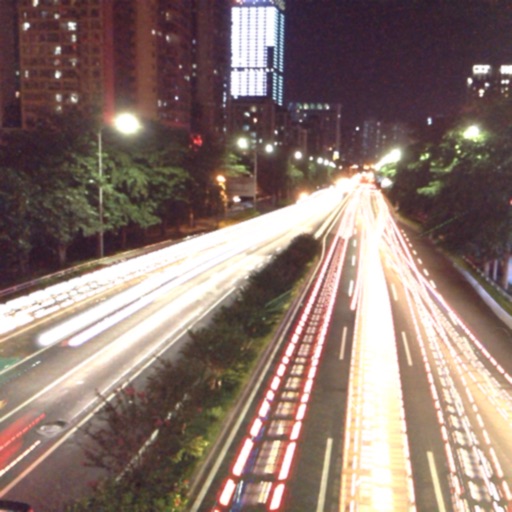
The app captures photos using slow shutter speed effects to create light trails and streams. Users can control exposure time and focus for motion blur photography.
Magnify text and objects with adjustable zoom levels. Use flashlight mode for better visibility. Capture and save photos to your device. Simplified interface for quick and clear viewing.
Edit photos and videos to apply effects. Adjust hue, saturation, brightness, contrast, exposure, and other parameters. Use smart sharpening filters to enhance image quality. Convert old photos to style. Export edited content in various formats.
Take photos with real-time chroma key and adjust brightness and color temperature. Edit images using eraser, crop, and zoom tools. Share photos on Instagram, Facebook, and other platforms. Tag with # to join a global gallery.
Edit videos by importing or recording from a tablet. Adjust brightness and color. Add transitions, music, narration, and video effects. Trim, rotate, and zoom clips. Share finished videos directly.
The app transforms photos into undead or monster faces using over 80 filter masks. Users can apply effects to new pictures or existing ones from their camera roll and share the results.
Capture -style photos with one click using retro filters. Choose from 35+ -inspired cameras like FX100, CC35, and FK2. Adjust colors and tones to match classic aesthetics. Export images in high quality and share directly.