Edit photos and videos with filters, presets, cropping, and color adjustment tools. Resize and crop content for social platforms like Instagram and Snapchat. Create collages by combining images. Use MAGIC FILL to expand or uncrop images.
Convert formats with drag-and-drop support. Resize, compress, and adjust quality. Export in various formats like JPEG, PNG, and HEIC. Maintain local processing for privacy. Share converted files directly or save to device storage.
Together vertically or horizontally. Combine chats, web pages, or side-by-side images into one image. Redact private information before sharing. Save and share the combined image directly.
Create AI-generated images from text descriptions. Transform photos using advanced AI tools. Access 100+ specialized apps for different creative tasks. Choose from unlimited styles including realistic, artistic, anime, and vintage.
Scan and store ID cards, passports, driver’s licenses, bank cards, and other documents. Use OCR to extract text from scanned images. Organize and manage files securely without internet connection. Share documents via email or cloud services.
Add text, signature, image, or logo watermarks to photos and videos. Choose from multiple fonts and colors for text. Import trademarks from photos. Apply full-screen watermarks easily.
Arthur Eduardo Skaetta Alvarez Desenvolvimento de Software LTDA.
Videos to MP4 and export results
Video files to MP4 format and export the result. Choose quality settings to adjust file size and image quality. Process videos locally on your device without uploading data to a server.
Edit photos with AI-powered background removal and erasure. Refine edges manually for precise results. Enhance image quality and create professional-looking photos without design skills.
Resize images with precise control over dimensions and quality. Adjust DPI for print or digital use. Batch process multiple files at once. Rotate images for correct orientation or creative angles. Export in various formats.
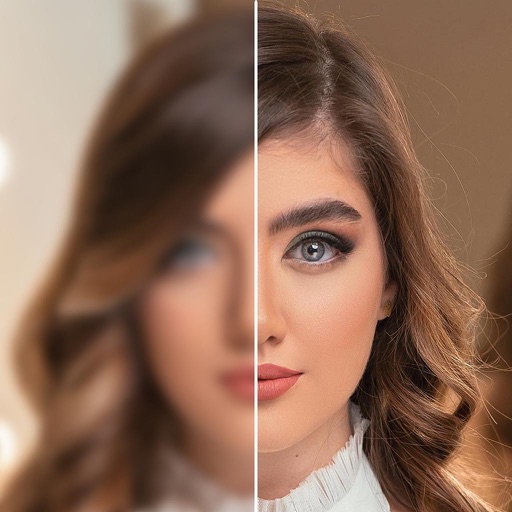
AI-powered enhancements improve image clarity and resolution. Batch processing allows multiple edits at once. Edit history tracks changes made to photos. Export options include various file formats.
Crop and rotate images using preset or custom aspect ratios. Resize photos with precise dimensions or custom inputs. Process multiple images in batches. Adjust quality for optimal sharing or printing. Export edited files in various formats.