Navigate using offline 3D stored on your device. Access real-time traffic updates and speed camera alerts. View monthly-updated without an internet connection. Receive free map updates multiple times per year.
View current speed with a scalable . Track total distance and trip data including max and average speed. Export trip data as GPX, CSV, or KML files. Receive alerts when speed exceeds or falls below set limits.
Track speed, distance, and trip data using GPS. Switch between analog and digital modes. Monitor mph, km/h, or custom units. Record trips and view historical data. Sync with Apple Health for activity tracking.
Display current speed using GPS and show speed limits via online checks. Alert when exceeding speed limits. Track weather, temperature, odometer, altitude, and average/max speed.
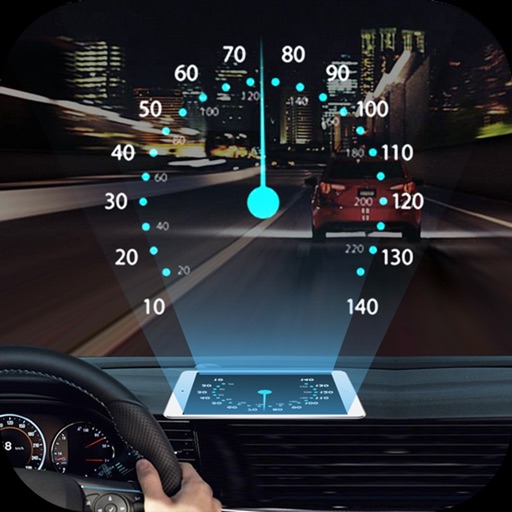
Projects speed, clock, weather temperature, cruise control, and now playing song information onto the windshield when iPhone is rotated and placed near the windshield. Displays data in landscape mode for easier visibility while driving.
Syncs with Car Play to control phone features via the car's dashboard. Adjust settings for navigation, music, and calls. Monitor battery and fuel levels. Receive real-time traffic updates and route guidance.
Measure in MPH, KMH, and KNOTS. Track average , total distance, maximum , stop time, and trip duration. Display current and odometer readings. Sync with GPS for accurate measurements.
Track speed with a graphical dashboard and analog/numeric display. View current location, weather, and temperature in Celsius or Fahrenheit. Switch between kilometer and mile units. Customize dashboard colors and use an analog compass.
GPS speedometer displays real-time speed for driving, biking, or walking. Measure trip distance offline. Track altitude for planes. Switch between mph, km/h, and knots. Use Today Widget or Apple Watch. Adjust screen color and toggle mirror .
Display real-time with accurate GPS tracking. Switch between km/h and mph. Receive speeding warnings and monitor 0-100 acceleration. Enable HUD mode to project onto the windshield.