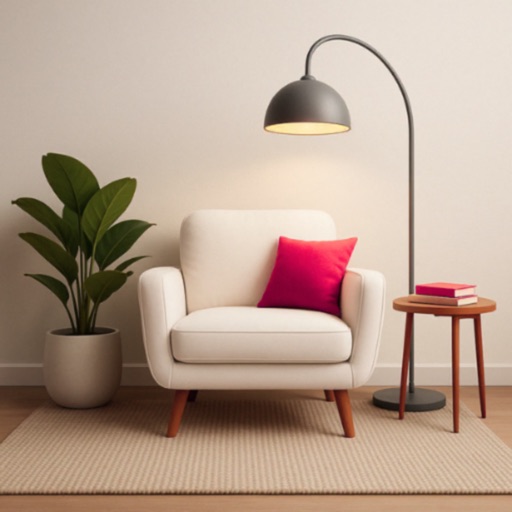
Browse and download high-definition featuring classic stripes, fun polka dots, and cute designs for girls. Customize device backgrounds with a variety of stylish options. Share favorite with others.
Download wallpapers and customize your mobile background
Set home or lock screen wallpapers from a selection of high-quality images. Choose from over 500 options, which will expand over time. Save preferred wallpapers and apply them to your device.
Install packs with one click or design custom icons for home screen. Choose from multiple themes and prebuilt elements. Customize icons with text, backgrounds, and styles. Preview and save icons for later use. Edit and reinstall icons as needed.
Create home screen icons and themes. Adjust icons, backgrounds, and layouts. Apply new themes with simple taps. Customize layouts and styles to match personal preferences.
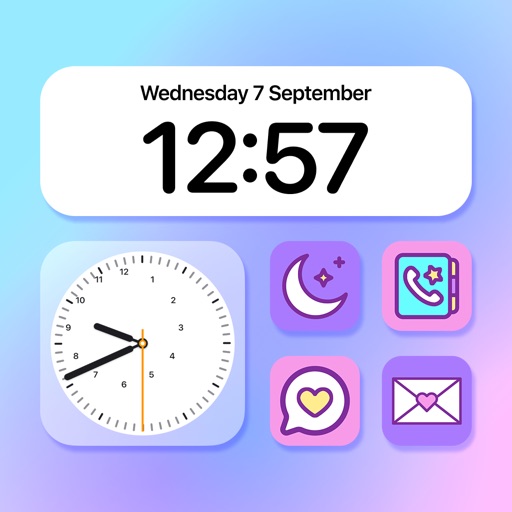
Change and lock widgets and icons with customizable . Select from various designs to personalize device appearance. Sync with iOS 16 for seamless and customization. Apply to modify visual elements quickly.
Customize iPhone home screen with themes, widgets, and icons. Add lock screen widgets for personalized styles. Choose from exclusive wallpapers to match your mood. Subscription options available for weekly, monthly, and yearly access.
Create personalized wallpapers by typing your name with a cat keyboard. Each letter is a unique cat toy with its own style and color. Design wallpapers using these cat toy letters to form a custom message. Share or save the created .
Upload photos to visualize renovations. Choose from modern, minimalist, coastal, boho, or farmhouse styles. Adjust wall colors, flooring, and materials via text input. Generate photorealistic designs for comparison and planning.
Visualize and exterior designs using AI. Upload photos, choose styles, and generate transformed room layouts. Replace furniture, experiment with layouts, and preview changes without measurements.
Customize iPhone home and lock screens with 4K HD . Choose from Dynamic Island themes, iOS 18 designs, dark mode, and AMOLED styles. Access daily updated backgrounds and abstract art. Apply to both screens and adjust settings for optimal display.