
iPhone Screenshots


Description
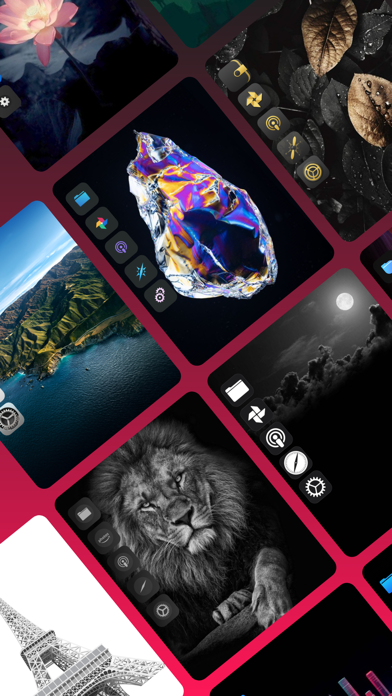
Install packs with one click or design custom icons for home screen. Choose from multiple themes and prebuilt elements. Customize icons with text, backgrounds, and styles. Preview and save icons for later use. Edit and reinstall icons as needed.
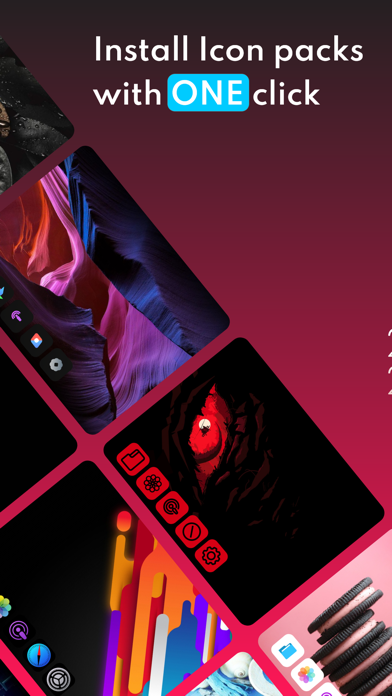
Install stylish Icon pack with only ONE click or design your icons/Packs and directly add them to your home screen.
◆No more need for the 'Shortcuts' app to create icons◆
◆ Main features:
* Install stylish icon pack with one click
* So many icon packs for different themes
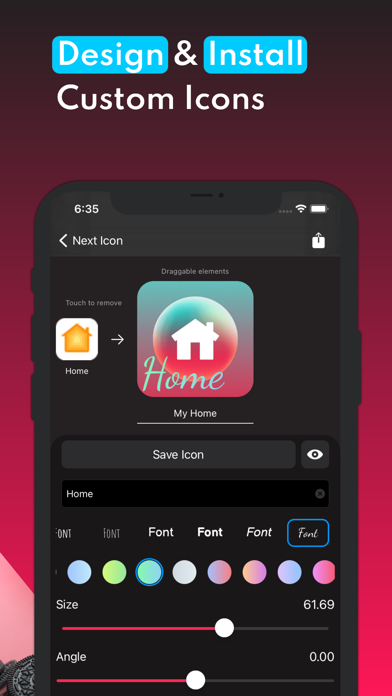
* Create your icon and install icons directly
* Customize your icons with 12000 prebuilt icons, text, backgrounds, etc
* Save your icons and edit them any time
* See your icons preview before install them.
* completely match with 'Next Widget' and 'Next Keyboard' App
* Totally free app FOREVER
* No ads FOREVER
Install Icon Pack Steps:
1.open 'Next Icon'
2.choose your icon pack
3.press on install and that's it!
Install custom icon :
1.open 'Next Icon'
2.press + bottom
3.create your icon and select your reference app
4.press on saving and install
Install custom Pack:
1.open 'Next Icon'
2.press + with double square shape
3.enter your pack details
3.add/create your icons
4.press on saving and install
-----------------------------
►Notes:
〉All icon pack is under their own designer support.
〉Please note: Please Report to us all translation or functionality problems through the Instagram support page. (link is inside the app)