
Simple Negative Image
Ryouhei Azuma
Invert colors and create art
Invert colors to create unique visuals. Adjust and positive inversion settings. Save and share modified images directly.

Showing 201–220 of 1,000 ranked alternatives.
Ryouhei Azuma
Invert colors and create art
Invert colors to create unique visuals. Adjust and positive inversion settings. Save and share modified images directly.

Yamstu Inc.
Draw on iPhone with Mac support
Use iPhone as a connected via USB to mirror Mac screen. Draw with Wacom stylus and 3D Touch. Control canvas with touch gestures for zoom, scroll, undo, and redo. Connect securely for real-time screen mirroring.

Havard Tryman
Create art with step-by-step guides
Create art using a continuous for each color. Select an image, choose thread colors and nail count. The generates a step-by-step guide. Customize canvas color and up to 10 thread colors. Adjust circle diameter and thread width for realistic results.

Picky AS
Design tattoos with precision and clarity
Manage tattoo ink inventory by logging brands and colors. Plan color palettes and select swatches for designs. Create and organize tattoo templates. Track design progress and export as vector files. Share designs with clients via direct links.



VECTOR LABS LIMITED
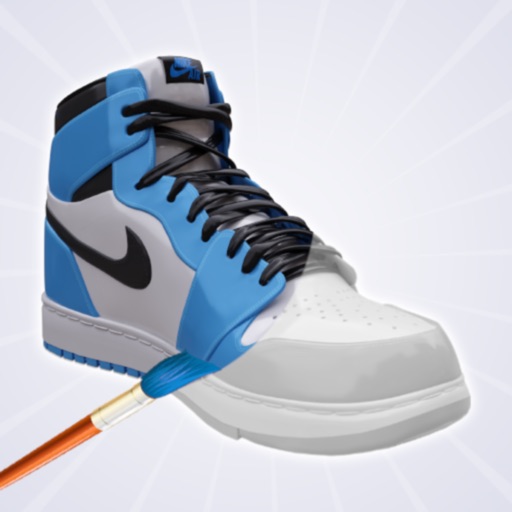
Color sneakers, shoes, share creations
Create and customize shoe designs by selecting colors and patterns. Choose from various shoe models to personalize. Save and share completed designs. Access tools for detailed artwork.

KOMAL SHIYANI
Create, draw, and design freely
Creative drawing tools allow users to draw, color, and design with brushes, textures, and shapes. Access a variety of pages featuring animals and educational themes. Erase, resize, and customize artwork. Save and share completed drawings.




Barrel of Sunshine Ltd
Paint images and transfer photos to surfaces
Paint images onto walls, paper, or canvases using a grid method. sections of an image with your phone's camera as a guide. Transfer photos to large surfaces for DIY projects or professional installations. No artistic skill required.

Aaron Neugebauer
Create kaleidoscope patterns with swipe
Create kaleidoscope patterns by swiping fingers across the screen. Adjust the number of lines and line color. Use multi-touch for advanced control. Save generated artwork to the device's Camera Roll.


Apps are ranked by functional similarity, category fit, rating confidence, and popularity.