Manage schedules with minimal input. Add, edit, and view events with intuitive controls. Sync across devices. Customize layouts and colors. Export as PDF or image. Set reminders and notifications.
Create and manage daily schedules using time blocks. Set routine tasks and leisure activities. Organize weekly plans and track progress. Sync across devices for consistent access. Adjust time blocks to fit changing priorities.
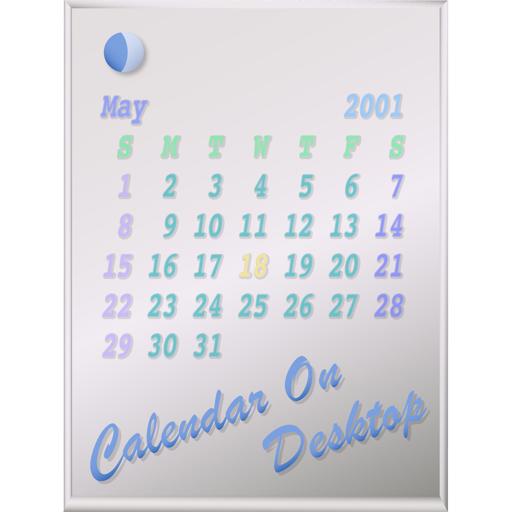
The app displays calendars on the user's Mac desktop. It allows users to move, resize, and customize the calendar's appearance, including displaying multiple months and iCal events.
Manage tasks with a interface. Create and organize workflows, track time with a built-in timer, and manage todo lists. Add notes, collaborate on projects, and monitor progress through visual boards.
Manage tasks with smart organization across All, Today, and Completed sections. Search tasks quickly with toggle functionality. Set due dates using an easy date picker.
Create and organize notes with customizable text, colors, and reminders. Add voice memos and attach images or files. Share notes via email or messaging apps. Set recurring reminders and synchronize across devices.
Manage tasks with a to-do list that organizes work into four quadrants based on priority. Set recurring schedules and reminders. Use a Pomodoro timer to set focus sessions, rest intervals, and select tasks from the to-do list.