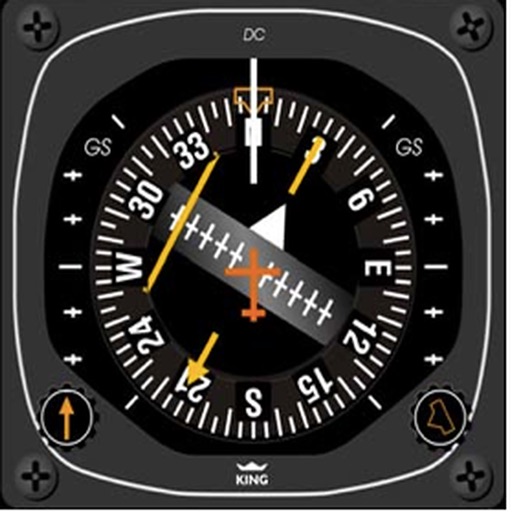
Learn and practice IFR flying with a simulator that allows setting up custom navigation aids, aircraft position, speed, and movement. Adjust runway direction, wind conditions, and use instruments like VOR, HSI, DME, and RMI.
Practice instrument flying with interactive modules
Learn instrument flying with interactive modules for ADF/RMI, VOR/ILS, HSI, and IFR procedures. Practice holding patterns and entries through animations and exercises. Use a built-in IFR simulator for training.
Test knowledge of systems with multiple choice quizzes on ADF, VOR, DME, NDB, HSI, and RMI. Practice positioning, holding patterns, and standard procedures. Track progress and reinforce understanding of instrument flight techniques.
Learn to read and interpret ADF and RMI indications. Track bearings to and from NDBs. Apply IFR procedures with step-by-step lessons and instant feedback. Practice core radio-nav skills through interactive training.
Access real-time data and control virtual . Tune global aviation radios or create custom radio aids. Practice navigation techniques and use as a training tool or supplementary instrument during flights.
Practice IFR flight training with simulations of VOR, HSI, RMI, ADF, DME, and ILS navigation. Track instrument readings, adjust settings, and test navigation skills. Save progress and review performance metrics.
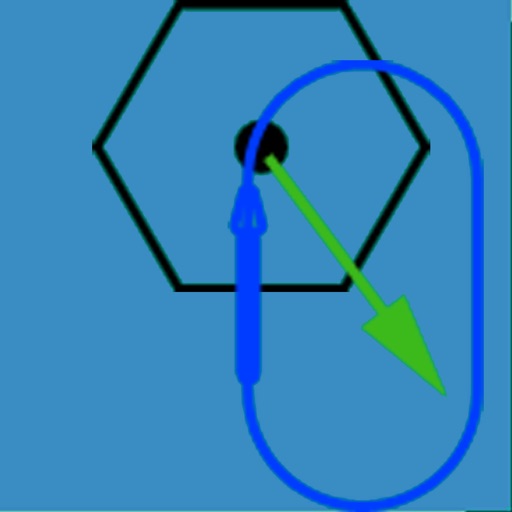
The app visually represents an aircraft and a holding pattern relative to a navigation aid. Users can learn to determine their position using ADF, VOR, and heading information, and identify correct entry patterns for standard and non-standard holds.
The app provides instrument training for general aviation pilots. Users can manipulate map elements and observe instrument responses in Learn mode, or determine aircraft location based on instruments in Test mode.
Track VOR and NDB signals in real time. Practice holding patterns and radial interceptions. Simulate check rides and sim assessments. Adjust needle movements and receive feedback. View flight path and navigation data.
Learn and practice IFR procedures with realistic simulations. Navigate using charts and instruments. Practice approaches, holds, and instrument approaches. Track progress and review performance metrics.
The app provides interactive simulators for VOR and ILS navigation. It offers step-by-step training modules and realistic exercises designed by certified flight instructors.
Study for aviation with subject-specific questions and practice tests. Access over 750 questions covering all subjects. Track progress and review answers for and FAA . Receive structured guidance to prepare for pilot licensing tests.
Download and watch video lessons offline. Take quizzes after each lesson. Sync progress to online courses when connected. Access test prep and checkride content. Track course completion and review materials.
Access aviation courses, including FAA handbooks, FAR/AIM, and practice tests. Watch HD/4K videos. Sync with Apple devices. Track progress through interactive lessons. Earn a certificate with structured course content.
The app provides aviation definitions and abbreviations based on the Airline Transport Pilot License syllabus. It offers iCloud sync for purchases across devices.
Study aviation knowledge and calculate flight data
Access FAA-approved training content formatted for iPhone and iPad. Use 110 calculators for flight planning and review over 80 pages of weight and balance data. Track key aviation knowledge and reference FAA guidelines directly within the .