Create digital art with customizable brushes and layers. Adjust brush settings for pressure and flow. Use Apple Pencil for precise strokes. Save and export artwork in various formats. Import images for tracing or blending.
Create art with a wide range of tailored for different styles. Import and organize custom . Adjust brush settings for pressure sensitivity and flow. Save and export artwork in multiple formats. Sync across devices.
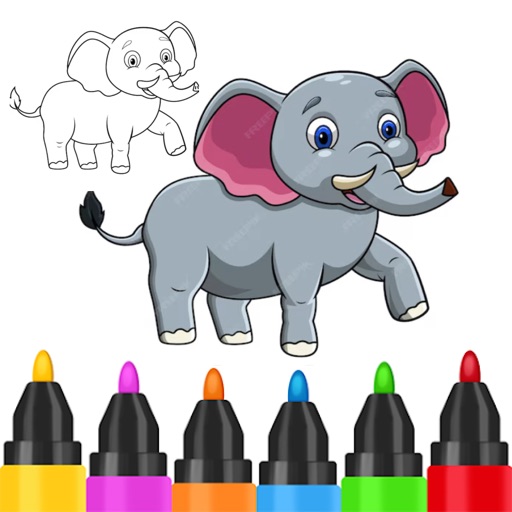
Children can draw using step-by-step templates in cartoon and kawaii style. They can choose colors, add stickers, and save their artwork. The includes guided exercises and a safe, child-friendly interface.
Create pixel art by selecting images of varying sizes and difficulty. Choose from a large collection of free images or design custom pixel art. Paint by number with pre-colored sections and customize colors. Save and share completed artwork.
Create art with step-by-step drawing guides. Choose from categories like freestyle, hip-hop, and old-school. View styles in list or grid format. Save and share completed artwork. Adjust colors and brush sizes for customization.