
OLEDX
Ronan Stark
Track time, weather, and notes with icons
A clock interface displays time with minute increments. Add personal notes and weather information. Customize the interface with icons or images. Uses minimal power due to efficient design.

Showing 21–40 of 1,000 ranked alternatives.
Ronan Stark
Track time, weather, and notes with icons
A clock interface displays time with minute increments. Add personal notes and weather information. Customize the interface with icons or images. Uses minimal power due to efficient design.


CompuLab
Fetch precise time from servers
Displays current time with high precision using an internet time protocol to sync with an time server. Users can set time zones, adjust display settings, and view time in 12-hour or 24-hour format.

iReka Soft
Set time, customize clock face, track time
Customizable clock allows users to add background images, select from over 20 clock faces, and choose between 24-hour and 12-hour analog or inverse clocks. Users can set time announcements in six languages and adjust settings via swipe gestures.

Jamie Zawinski
View time, date, and digits with touch
Dali Clock displays time with morphing digits that change shape when updated. Tap to show the date. Double-tap to switch between 12-hour and 24-hour formats. Swipe or pinch to adjust the number of digits displayed.

CHENGDU MIAOZHI TECHNOLOGY CO., LTD.
Check time with double-tap
Check time with a double-tap and receive hourly voice announcements. Switch between time zones. Set countdown and repeat alarms. Supports multiple languages.

云云 唐
Display on lock screen and main screen
Display a on the main screen and lock screen. Show countdowns and track time with millisecond accuracy. Keep the visible over other apps in a small window. Use for countdowns, stopwatches, and count-up timers. Grab coupons with countdown features.


Marcel Mendes Filho
Sync calendars, set priorities, mark reminders done
Manage calendars and reminders by syncing with phone calendars, selecting which ones to display, and setting priorities for conflicting events. Mark reminders as done on the . View next event on Siri face.

Lasmit TLB Ltd
Set time, view time, sync time
Display a customizable with adjustable time zones and date settings. Set alarms and timers. Sync with other devices. Switch between 12-hour and 24-hour formats. Adjust colors and styles.

Ahmet Mucahid Bozkurt
Navigate with real-time GPS updates
Provide turn-by-turn navigation with real-time GPS and live traffic updates. Compare multiple routes by time and distance. Recalculate routes dynamically as you drive. Control music, contacts, and other vehicle features from the iPhone interface.
Boterham
Simplest digital alarm clock imaginable.
The app provides a simple digital alarm clock. Users can tap or swipe to adjust settings, set alarms, display seconds, or invert colors.
Tripti Kumari
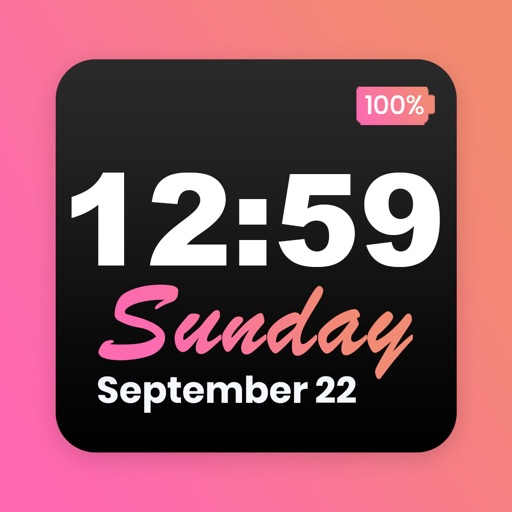
Customize home screen and themes
Customize home screen with featuring font, theme, and background options. Set clock with battery percentage, date, and time. Quickly install and configure for iOS 14+ devices.



JINMIN ZHOU
Clip songs to custom ringtones
Create custom ringtones using iPod songs. Select a song, set start and end times with 0.1 second precision. Apply fade in and fade out effects. Export as with fast processing.
Apps are ranked by functional similarity, category fit, rating confidence, and popularity.