Create , weekly, or monthly plans using customizable templates and calendar views. Add notes, stickers, and backgrounds to personalize tasks. Edit entries with finger, Apple , or keyboard input.
Create collages using 10000+ free layouts, effects, stickers, fonts, and backgrounds. Edit photos with cropping, filters, and text tools. Save and share collages as images or stories.
Create logos by choosing from thousands of templates. Recolor and customize designs. Combine multiple elements to build unique logos. Select from nine categories including iconic, modern, and wat. Edit with advanced tools and export final designs.
Crop and rotate images into various shapes. Add text, arrows, and shapes for annotations. Pixelate sections or draw freehand. Share edited photos directly with contacts.
Create drawings with Apple Pencil support. Use grid or lined backgrounds. over existing images. Save square images. Add widgets to showcase drawings on the home screen. Enable multitasking and multi-window features on iPadOS.
Take handwritten with natural handwriting and Apple Pencil support. Annotate documents, take class , and organize personal knowledge. Sync across devices and share directly.
Create vector art using Bézier tools and Apple Pencil. Convert sketches or photos to SVG format. logos, icons, illustrations, and UI assets. Export vector files for production use. Refine curves and edit vector drawings directly.
Create handwritten notes and drawings with customizable brushes and erasers. Use vector tools for precise shapes and annotations. Add text, highlights, and special line effects. Save and organize digital sketches and journal entries.
Organize tasks, goals, and schedules with customizable templates. Track routines and notes. Edit layouts, fonts, and colors. Sync across devices. Set reminders for tasks and events.
Upload artwork to generate mockups in interior design settings. Customize colors, frames, and layouts. Share mockups to Instagram, Etsy, and other social media platforms.
Read, edit, create, and organize PDFs with annotation tools. Scan documents and convert to PDF. Summarize, generate content, and annotate across multiple files. Securely store and share PDFs without data collection.
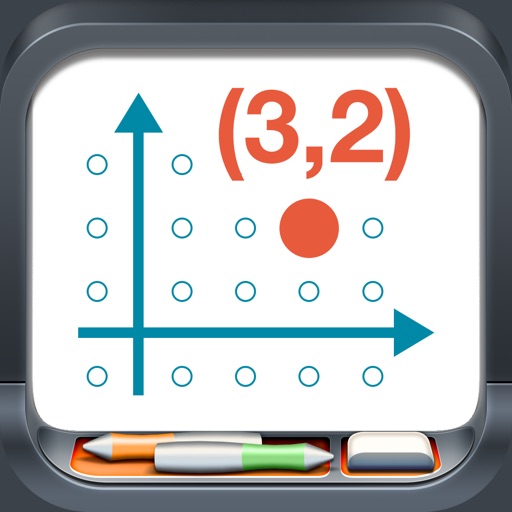
Model points and lines on a plane with colored elements and pair labels. Use a 19x15 grid or dot/square grid. Display tables of values and sliding axes. Graph ordered pairs, distance, and transformations. Plot ratios, rates, and linear equations.
Take notes with hand-drawn sketches, text, and diagrams. Use Apple Pencil for writing and drawing. Navigate pages with gestures and undo actions. Export notes to PDF. No ads or data collection.
Displays calendar events from synced sources like Google, Yahoo, and Exchange. Shows meetings and appointments with customizable event colors. Allows adding new calendars and managing event details.