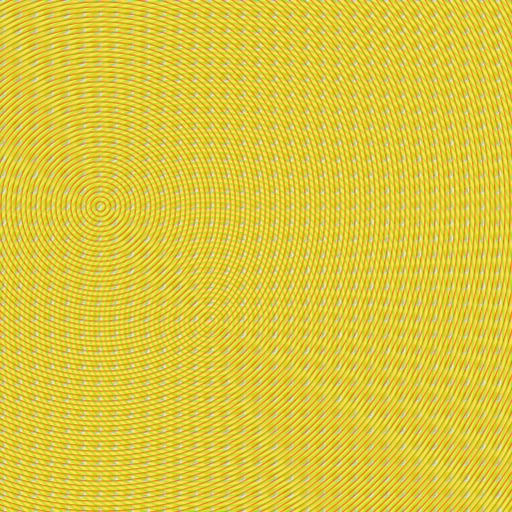
The app allows users to create patterns by layering motives, selecting colors, and adjusting their position, scale, or rotation. The resulting patterns can be shared, used as backgrounds, or printed.
Record and playback audio samples with a multi-octave on-screen keyboard or MIDI device. Save, load, and reverse samples. Loop samples in forward, reverse, or forward-reverse modes. Apply reverb, resonant filter, and sample rate/bit crusher effects.
Create and edit vector drawings and illustrations. Import and export files from cloud services. Design logos, posters, and technical drawings. Use multiple windows on iPadOS. Enable dark mode for system settings.
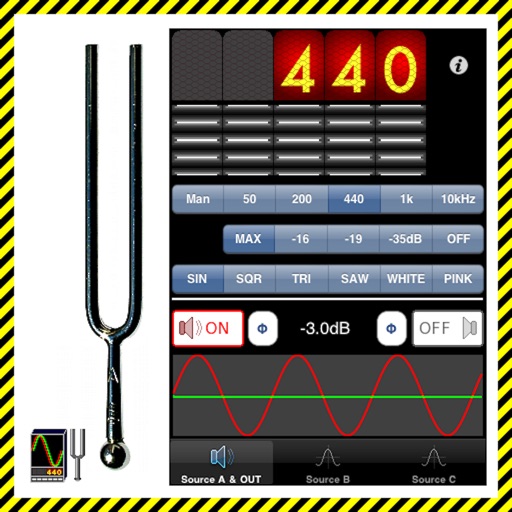
The app generates test tones including sine, square, triangle, sawtooth waves, and noise. Users can combine up to four independent sources with phase switching for each channel.