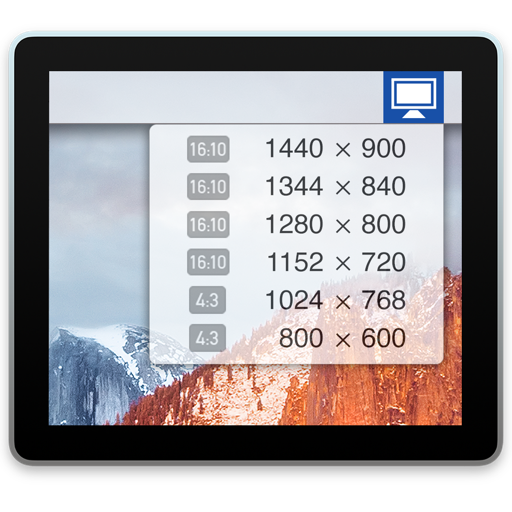
Use iPad as an external display for Mac or PC. Connect and control devices wirelessly. Adjust screen layout and resize windows. Share files and copy text between devices. Support for multiple monitors and drag-and-drop functionality.
Stream video from iPhone or iPad to TV via screen mirroring. Send content to supported devices like Chromecast, Fire TV, and smart TVs from Samsung, LG, and others. Mirror content to computers and compatible streaming devices without needing AirPlay.
TVs and connected devices with a single . Adjust volume, change channels, and navigate menus. Access on-screen keyboard for input. Pair with Bluetooth devices. Manage playback and settings remotely.
Display text on a virtual screen for live reading. Adjust scrolling speed and direction. Sync with external devices for real-time input. Support for custom fonts and text formatting. Export scripts and share directly.
Use camera to magnify objects. Switch between front and back cameras for mode with light bars. Tap to freeze image and adjust brightness and contrast. Pinch to zoom, rotate, and pan. Save final image to Photos.
Mirror device screens to multiple TVs, computers, and devices via a home network. View mirrored content in a web browser without wires or adapters. Support for various devices including TVs, Macs, PCs, and game consoles.
A clock interface displays time with minute increments. Add personal notes and weather information. Customize the interface with icons or images. Uses minimal power due to efficient design.
Allows users to their iPhone to a TV over WiFi. Users can connect both devices to the same network and stream content in real time. The supports mirroring for videos, photos, and presentations.
Control TV with a mobile device via Wi-Fi. Navigate menus, adjust volume, and select channels. Accept communication confirmation on the TV to establish connection. No physical required.
Monitor battery levels for iPhone, iPad, Mac, Apple Watch, AirPods, Apple Pencil, Magic Keyboard, Magic Mouse, HomeKit accessories, and Bluetooth devices like Beats headphones and Sony WF-1000XM4.
Cast photos and videos to TV or PC. entire phone screen to Chromecast, MacBook, or Windows PC. Browse web content and present slideshows. Watch movies and view photos in larger format. Share content directly from phone to big screen.
Mirror and control desktop screens over WiFi, USB, or LAN. Cast displays to TVs, tablets, or phones. Access remote computers for file transfers and control. Use drawing tablets for digital art. View and interact with remote desktops and applications.