Create art and cross-stitch patterns with palette selection and gridline toggle. Use eraser, drag or tap to draw, and long press to fill. Trace images and export as files. Supports cross-platform creation.
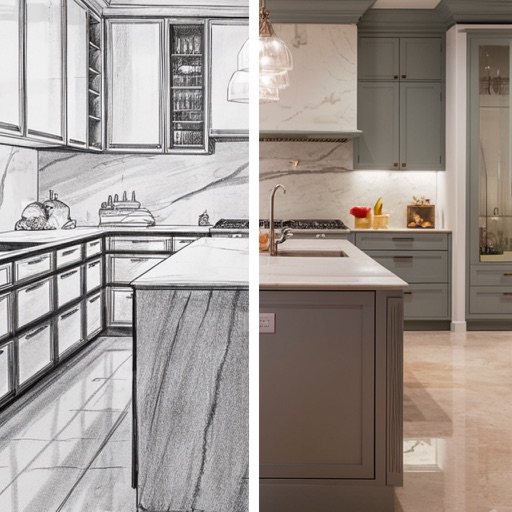
Transform spaces by snapping photos and using AI to redesign kitchens and rooms. Adjust layouts, colors, and materials with intuitive tools. Preview changes in real-time and save or share concepts.
Visualize paint colors on walls using AI by taking a photo. Preview real shades from Sherwin-Williams, Behr, and Benjamin Moore. Adjust for lighting and angles for accurate results. Order free samples or purchase full cans of selected colors.
Create outdoor designs by snapping photos and using AI to generate options. Explore modern patios, green grass, natural paths, lush gardens, stylish decks, and poolside decor. Adjust and customize designs to fit specific spaces.
Capture photos of outdoor spaces to generate ideas. Generate multiple landscape plans with plants, hardscapes, and decorative elements. Customize designs and view actionable steps for gardening and landscaping.
Create vector artwork on iPad with precise drawing tools. Align objects to grids, paths, or points. Scale and rotate multiple objects in real time. Use masks to cut out elements from artwork or photos. Position text at any angle or along paths.
Upload images of outdoor spaces to generate AI-designed layouts. Adjust elements like plants, pathways, and structures. Export designs as images or share directly. Track progress and refine ideas with iterative edits.