Create and animate 3D figures with customizable poses. Edit joint movements and rotations for precise positioning. Save, load, and delete poses. Switch viewpoints and adjust overall rotation and movement. Undo and redo changes during editing.
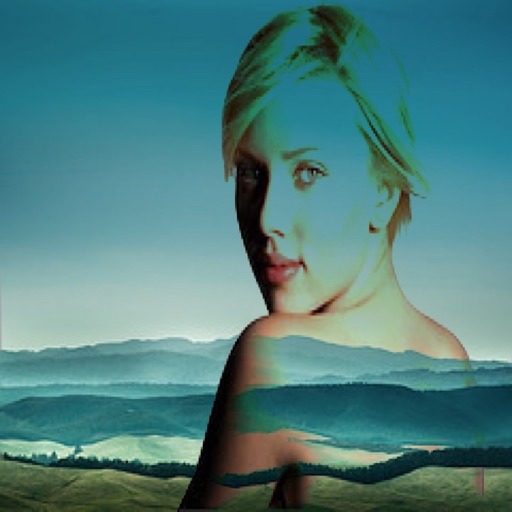
The app allows users to combine two images using various blend modes. Users can select photos from their device or the web and adjust layer transparency.
Edit photos with grid layouts, brightness, contrast, and saturation adjustments. Apply filters to enhance images. Create collages with multiple layout options. Export edited photos in various formats.
Capture frames using front or back cameras with adjustable white balance, focus, and exposure. Paint on frames with customizable brush tools. Export animations in various formats and share directly.
Create animated GIFs from photos or videos. Adjust size, frame delay, and speed. Add text and stickers. Re-edit existing GIFs with customization options. Export and share finished animations.
Create animations using gestures. Explore shapes, patterns, and effects. Export screenshots as wallpapers. Perform live animations for parties or VJing. Edit and improvise animations in real time.
Reverse video creator allows users to record or upload videos and play them backward with a single tap. Adjust playback speed to slow down or speed up videos. Add music and sound effects to enhance videos.
Offers control over ISO, shutter speed, focus, and white balance. Users can shoot high-resolution photos and cinematic videos. Features include -style settings, focus adjustment, and exposure control for professional-quality imaging.