Create and edit digital art with customizable brushes and color palettes. , , and apply filters. Import and modify photos. Save and share artwork. Sync with Apple Health for progress tracking.
The app offers a simple and nice design for users of all ages to enjoy. Users can choose colors, patterns, and brush types to color drawings and clear the canvas.
Create images by describing visual concepts. Generate photos, artwork, and graphics based on text input. Adjust style, color, and details through iterative edits. Save and share final outputs directly.
Create digital artwork from text prompts using AI. Adjust style, color, and detail settings. Export images in various formats. Share artwork directly or save to device. Collaborate in real-time with others on projects.
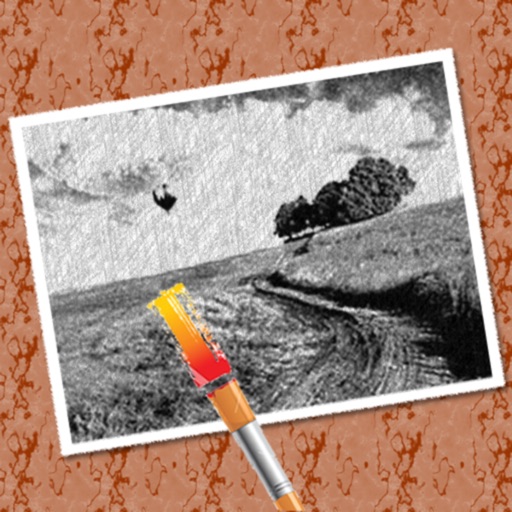
The app converts photos into pencil sketches for coloring. Users can import pictures from photo albums, the camera, or Flickr, and color them using touch controls.
Create typography posters by adding text to photos using various fonts. Edit text with font styles, colors, and placements. Save and share designs as images or PDFs.
Mix colors using virtual tools for watercolor, oil, and acrylic painting. Generate recipes from photos or camera images. Calculate exact proportions of primary colors needed to achieve desired hues.