Create posters, flyers, banners, and invitations using customizable templates. Edit images with tools for cropping, resizing, and adding text. Design logos, greeting cards, and business cards. Export and share finished designs directly.
Liangjie Information Technology (Chengmai) Co., Ltd.
Record front and back footage at once
Capture records front and back footage simultaneously with Dolby Vision HDR support. BuddyShot allows real-time remote control of another phone for focus and exposure adjustments. Video Frame Extraction extracts full-size 4K frames from videos.
Scan and create QR codes and barcodes. Preview scanned data including URLs, phone numbers, emails, and locations. Batch scan multiple codes. Share scanned results. Create QR codes for URLs, phone numbers, emails, and locations. Generate barcodes.
Intelligent : Outline the subject to automatically remove it from the photo. Save images to system album or application album. Edit saved images directly within the .
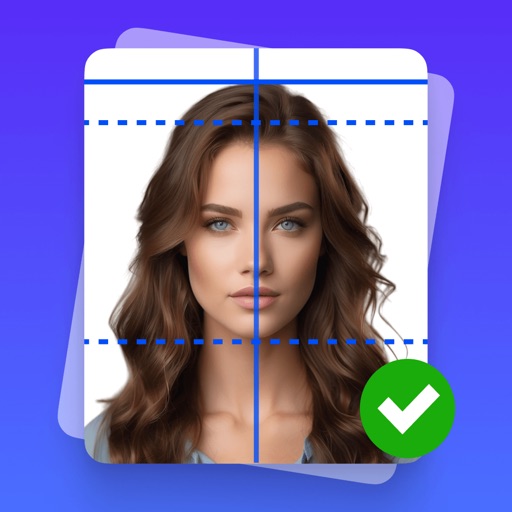
Create -sized photos with adjustable size settings and background removal. Edit images to meet official specifications. Save and share edited photos directly.
Edit photos by cutting and pasting faces, removing backgrounds, and deleting unwanted people. Add missing faces to photos. Use the silhouette head tool to select and edit elements. Export edited images directly.
Edit videos by cutting, combining, captioning, overlaying, and animating. Use AI tools for auto captions, text-to-speech, music match, and noise removal. Supports 4K at 60FPS. Remove backgrounds and upscale videos with AI features.
Customize iPhone's and with 150+ pre-designed styles or create shapes. Apply wallpapers that blend with the display. Adjust design elements to fit personal preferences.
AI improves quality, fixes lighting, and sharpens details. AI Unblur converts pixelated or blurry images into clear high-resolution photos. Users can upload photos and apply AI-powered enhancements to restore old memories or refine portraits.
Edit photos by adding customizable from a large selection. Adjust brightness, contrast, and saturation. Crop images and apply filters. Share edited photos directly to social media or messaging apps.
Create professional-quality ID photos for passports, visas, and other official documents. Select from various templates and guidelines. Adjust background, crop, and resize images. Save and share photos in multiple formats.
Scan documents by capturing images with the camera. Use AI to enhance clarity, remove shadows, and straighten pages. Extract text for editing or sharing. Save scans in PDF or image formats.
Unwanted elements from photos with a single tap. Erase , characters, thin lines, and backgrounds. Use AI to precisely cut out hair strands and fill erased areas seamlessly. Export edited images in various formats.