Your Mac remotely via iPhone using the same WiFi network. Adjust settings, launch apps, and use a virtual trackpad. Customize gestures and automate tasks with predefined actions. Monitor system status and manage connected devices.
View time zones simultaneously with a visual graph to identify available meeting times. Set availability for each time zone and see overlapping free slots. Share schedules and adjust time zones instantly.
1. Convert units, currencies, and timezones instantly by typing a number and a few letters. Use a dedicated numpad to switch keyboards. Learn conversion patterns over time. Fetch current currency rates and display approximate values when needed.
Track and manage counters with customizable colors and sorting options. Use hotkeys and right-click for quick actions. View counting history and total values. Set auto-reset and last change timers. Access widgets on home and lock screens.
View and for your location. Add multiple locations to check timings worldwide. Track solar noon, twilight, and day length. Set timezone preferences. Receive sun time notifications. Plan daily activities using the built-in calendar.
Block ads across websites and apps with anti-adblocking features and cookie popup suppression. Earn cash back by viewing approved ads and shopping on partnered sites. Sync settings across devices and customize ad filters.
Customize Apple Watch faces with a wide range of complications, including date, weather, and astronomy. Adjust settings for appearance and function. Schedule complications to appear based on time or events.
Create customizable or count-up widgets with multiple themes, styles, and icons. Set countdowns for events like birthdays or holidays. Display widgets on standby, lock screen, or as transparent overlays. Sync across devices using iCloud.
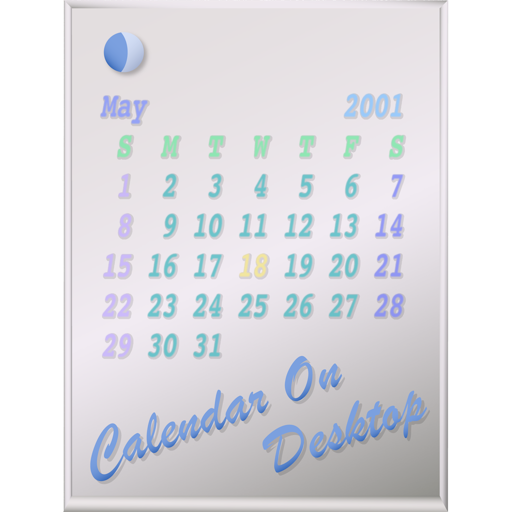
The app displays calendars on the user's Mac desktop. It allows users to move, resize, and customize the calendar's appearance, including displaying multiple months and iCal events.