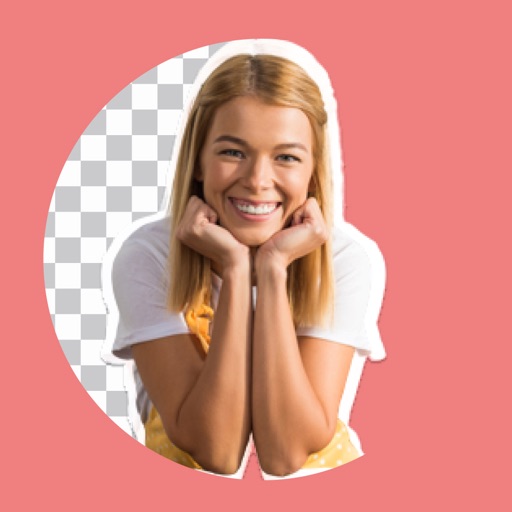
Edit photos by removing backgrounds with mode, object extraction, and quick select tools. Use transparent backgrounds for stamps and collages. Share edited images directly with other apps.
, people, watermarks, and blemishes from photos with a tap. Use a smart to precisely delete elements without altering the background. Adjust edges and refine details for clean, seamless edits. Export edited images in high quality.
Turn photos into animated videos with AI-powered effects. Choose from trending templates for TikTok, Instagram Reels, and YouTube Shorts. videos with trimming, filters, and transitions. Export and share directly to social media platforms.
And multiple images at once. Mirror selfies and correct photo orientation. Support for JPG, PNG, HEIC, WebP, and other formats. Preserves image quality during edits. No complex features required.
Edit photos by removing and replacing backgrounds using AI-powered tools. Cut out people or objects with precise edges. Add custom backgrounds, blur backgrounds, or erase unwanted areas. Save edited images in various formats.
Remove photo backgrounds using intelligent erasing tools. Select and eliminate specific colors or objects. Make backgrounds transparent for use in collages or stamps. Export edited images for further editing or sharing.
Edit photos using Powerful Fill, which generates realistic content based on text prompts in 419 languages. Add hidden messages to images. Export edited photos in various formats. Share directly from the .
Face automatically detects and blurs faces in photos and videos. Users can tap to hide or reveal specific faces. The allows cropping, adding filters, text, or stickers. Metadata can be viewed, edited, or removed.
Arthur Eduardo Skaetta Alvarez Desenvolvimento de Software LTDA.
Create ID with AI framing and background
Create professional ID by auto-framing and cropping images to specified dimensions. Remove and replace backgrounds with a single tap. Export as digital files or print at required sizes.