Apps Like Simple Doodle Canvas for iPhone and iPad
Draw, sketch, save creations
Create sketches and freehand drawings with adjustable brush sizes and colors. Save creations to device. Use full-screen drawing area for artistic notes or quick doodles.
by Mohammed Hashwan★ 0.00 ratingsGraphics & DesignFreeData updated 2026-09-06
Plus Apps Bilisim Teknolojileri Reklamcilik Limited Sirketi
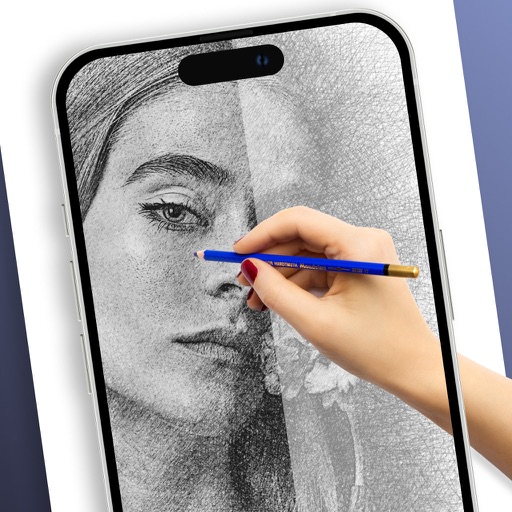
Sketches with AR technology
To sketches using AR technology. Choose from various categories to practice. Follow step-by-step instructions to improve techniques. and paint directly on the screen. View animated tutorials for guidance. Save and review your artwork.
Create digital artwork with customizable brushes and adjust texture, shape, and paper quality. Import and export images in various formats. Access unlimited brushes and tools for free for 30 hours monthly.
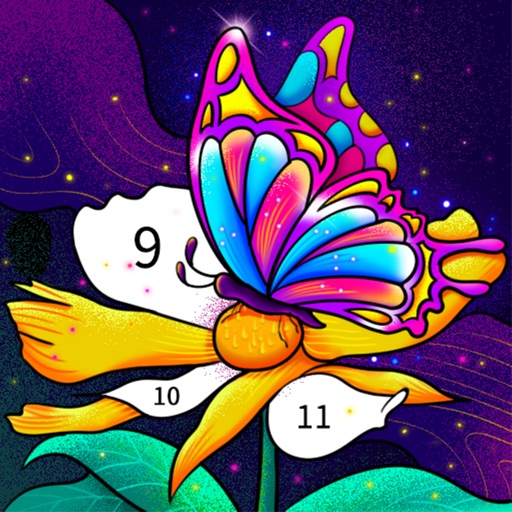
Color by number artworks can be selected and colored following numbered guidelines. Users can freely paint and save their creations. Artworks are available for free and can be explored in a casual drawing environment.
Create and customize artwork by drawing lines on unfinished watercolor illustrations. Adjust colors, add textures, and save or share finished pieces. Access a library of 50+ designs for creative exploration.
Draw and sketch on an expansive canvas with zoom, pan, and scroll controls. Use precise drawing tools and customize brush settings. Save and export artwork in multiple formats. Collaborate in real-time with others.
Create logos, tattoos, signatures, and book covers using AI-generated designs. Customize elements like colors, fonts, and layouts. Export in various formats and share directly. Adjust and refine designs with detailed editing tools.
Use AR to sketch and paint on paper. Select images from the built-in gallery. Position paper on a flat surface for accurate drawing. Draw over projected images with precision. Save and share artwork directly.
Create custom and symbols by drawing on the screen. Use 50+ pre-designed and Kaomojis in any via keyboard extension. Customize keyboard with wallpapers and system emojis. Design handwriting and share creations.
To with guided lessons that show real strokes from professional artists. Practice step-by-step techniques to build confidence and accuracy. Use Apple Pencil for precise input and track progress through interactive exercises.
Create art using augmented reality tools and follow step-by-step artist-led tutorials. Access daily for various mediums like acrylic, pencil, and watercolor.