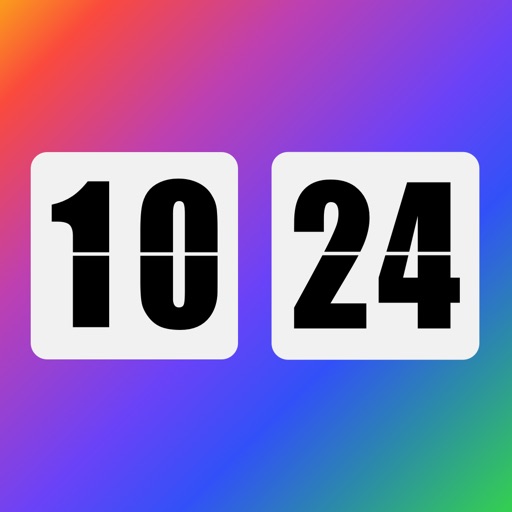
Displays a flip clock with a minimalist design and large, visible font for easy time reading from a distance. Features a matte black finish and allows customization of clock face colors and flip speed.
Display a customizable with adjustable time zones and date settings. Set alarms and timers. Sync with other devices. Switch between 12-hour and 24-hour formats. Adjust colors and styles.
Organize tasks, set reminders, collaborate with team
Plan your week with a minimalist calendar view, organize tasks and reminders, and collaborate with team or family. Use planner stickers and color themes to highlight priorities and enhance visual clarity.
Set customized alarms for specific days, weekdays, or dates. Import custom sounds or record voices for ringtones. Plan and manage future alarms in a calendar view. Use a built-in timer for naps, workouts, or cooking.
Check time with a double-tap and receive hourly voice announcements. Switch between time zones. Set countdown and repeat alarms. Supports multiple languages.
Display time in seconds on dynamic island and lock screen. Show desktop digital with millisecond precision. Switch between 12-hour and 24-hour formats. Use for video recording with small text and script windows.
Display a digital on the home screen, lock screen, and dynamic island with real-time updates every second. Show seconds and offer multiple theme styles. Include hourly chimes with real human voice announcements.
The app offers a unique visual experience with rotating clock hands. It allows users to interact with time through sliding gestures to explore different digits.
Turn your iPhone or iPad into a display. View in full screen with no buttons or clutter. Adjust brightness for nightstand use. Tap to dim or swipe to change brightness. Supports landscape and portrait orientations.