Edit screenshots with redact, highlight, underline, strike, blur, blend, and pixel tools. Create and customize screenshots with notes, text overlays, GIFs, and device mockups. Adjust shadows and fillets for precise styling.
Create artistic images with single-tap camera effects and professionally designed filters. Adjust brightness, contrast, and tone curve. Blur and focus images. Rotate, crop, and resize photos. Add text and fun stickers.
Create blur effects by tracing fingers over photos, with automatic border correction for natural results. Zoom in or out using pinch gestures for precise adjustments. Check results by tracing over the screen.
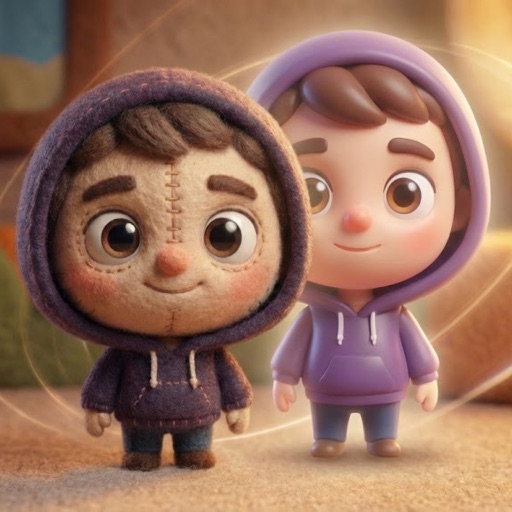
Convert photos into AI-generated cartoons, caricatures, and artistic portraits. Choose from 15+ styles including 3D characters, clay motion, paper cut-out, pixel art, and marble sculpture. Edit and export results directly.
Edit photos using Powerful Fill, which generates realistic content based on text prompts in 419 languages. Add hidden messages to images. Export edited photos in various formats. Share directly from the .
Convert photos into printable pages using AI. Upload images to generate detailed sketch outlines. Customize pages with color options. Print or share finished artwork directly.
Create art by selecting colors from a palette and applying them to numbered cells. Swipe over cells with the same number to color faster. Use Color Splash to fill surrounding areas and Magic Wand to color adjacent cells of the same number.