Turn iPhone into a storage device for managing local and files. Access Google Drive, Dropbox, OneDrive, and iCloud for synchronization. Transfer files wirelessly via Wi-Fi and share them directly.
Manage files across cloud servers, devices, and apps. Transfer files between iCloud, Dropbox, Google Drive, and more. Access, print, and email files directly.
, receipts, and notes into PDF, image, or text files. Save individual pages or create multi-page PDFs. Share scans directly or export to cloud storage. Sync with iCloud or preferred cloud services.
From laptop to iPhone or iPad via Wi-Fi and browser without cable. Cut, copy, compress, and manage directly on the device. Open various file types including documents, images, and videos.
Documents into clear PDF or PNG formats. Automatically detect edges and multiple pages into one file. Sign, enhance, and organize scanned documents. Share via email, iCloud, Dropbox, or Box.
Pro lets you transfer and manage files wirelessly between your iOS device and computer via a shared Wi-Fi network. You can send and receive files using a web browser without cables. The supports direct photo transfer from your device to a computer.
Capture thoughts via voice recording and transcribe them automatically. Organize notes with hierarchies and rearrange sections. Search notes by text or play back audio. Attach location data to notes and track associated places.
Create and manage timelines using a Gantt chart with gesture-based navigation. Share projects across devices and teams. Sync data in real-time. Integrate with Microsoft . Access features with in- purchases.
PDF documents by selecting files and combining them into one organized file. Rearrange pages, rotate pages, and maintain document quality during merging. Export merged files and manage PDFs offline without watermarks.
Scan documents with high-quality image capture and auto-edge detection. Extract text using OCR technology. Save and organize files in folders. Share documents via email or cloud services. Add notes and tags for quick reference.
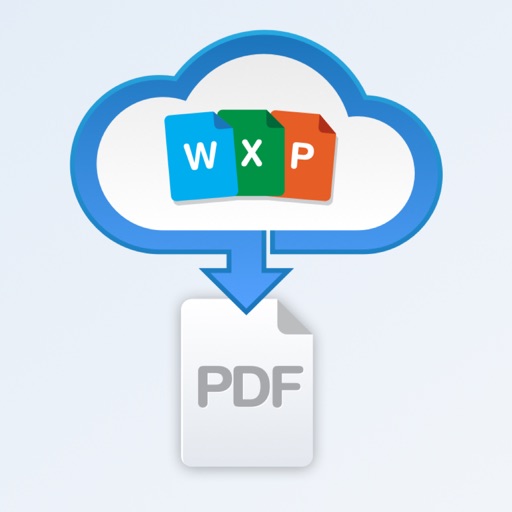
Convert documents from Word, Excel, or PowerPoint to PDF. Attach files from email, convert them instantly, and save or share the PDF. View, print, email, or store files in iCloud.
Listen to offline without an internet connection. Import tracks from Files, iCloud Drive, Apple , or cloud services like Google Drive, Dropbox, OneDrive, pCloud, and Box. Transfer wirelessly via drag-and-drop.
Isolate and separate music tracks into vocals, drums, bass, piano, and other instruments. Save and export tracks to DAWs. Adjust volume, panning, and playback speed for each track. Edit waveforms to select specific regions.
Create files from using 1700+ voices in 60+ languages. Choose between standard and high-quality voices. Export audio in WAV, OGG, FLAC, Core Audio, or MP3 formats. Sync projects across iPhone, iPad, and Mac via iCloud.