Create and edit PDF documents by scanning papers or importing files. Convert photos and images to PDF. Merge or split PDFs, compress files, rotate pages, reorder, and delete pages. Export in various formats.
by Simon Bitton★ 5.01 ratingsUtilitiesFreeData updated 2026-09-06
Large PDF files into smaller sizes without losing quality. Reduce file size to optimize storage and share documents faster. single or multiple PDFs with a few taps. Maintain clear, readable text and images throughout the process.
Digitize and manage documents with advanced scanning tools. Convert papers to PDF, edit text, add annotations, and organize files. Share documents securely and access them across devices.
The app allows users to sign and fill PDF documents and merge multiple image files into a single PDF. It also combines existing PDF, web page, JPEG, and PNG files into one document.
Convert files to PDF format while maintaining original layout, fonts, and formatting. Select and convert eBooks directly without registration or login. Export as PDF for offline reading, sharing, or printing.
Read and edit PDF documents with highlighting, underlining, and hand-drawn annotations. Add text, fill forms, and sign directly. Annotate with freehand graphics and insert text. Save and share modified files.
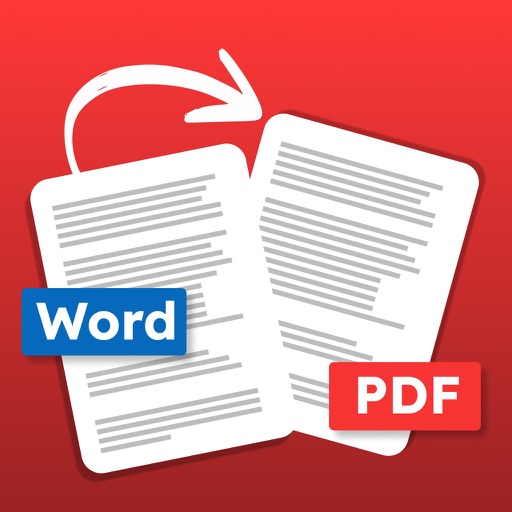
Convert documents to PDF files. Choose .docx or .doc files. Convert and save as PDF. Share or resave converted files. Support batch conversion of multiple documents. Some advanced features require a purchase.