
iPhone Screenshots
Description
No Internet Required, No Boring Waiting, Privacy-safe, Process 100% on your Mac.
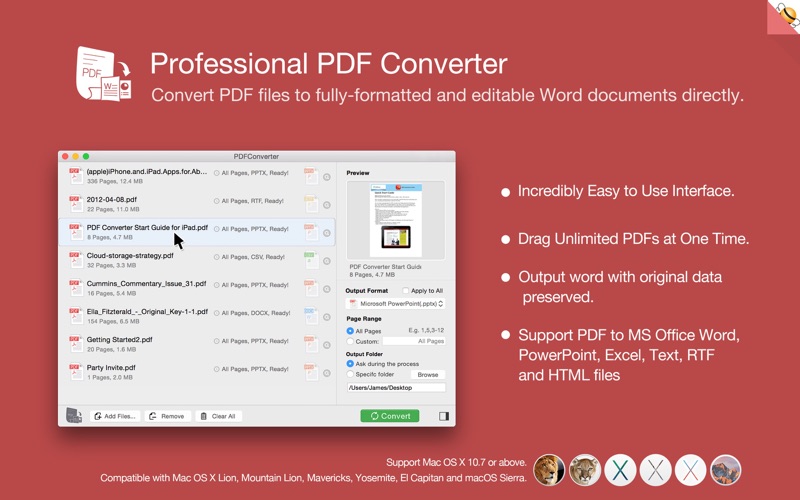
Flyingbee PDF Converter exports PDF files to fully formatted and editable Microsoft Office Word, PowerPoint, Excel, and other document formats—with original text, images, layouts, hyperlinks, tables, and Bezier graphics preserved exactly.
Added OCR text recognition. For scanned documents, please choose the ocr language that matches the document, as this can significantly improve recognition accuracy.
> Upgrade to Pro?
You can instantly convert the first few pages of any PDF document to any format for free. If you like it, upgrade to our Pro version to convert full-length documents directly—without ads. This lets you try before you buy, with zero financial risk.
Main Features:
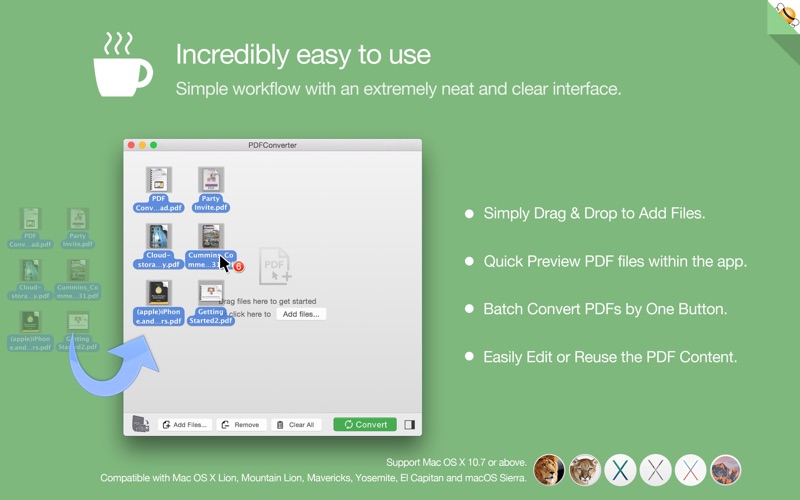
+ Incredibly easy-to-use.
+ Professional PDF Converter.
+ Add unlimited PDFs at one time.
+ Conversion processed 100% locally.
+ Export PDF to Word (.docx), PowerPoint (.pptx), Excel (.xlsx), CSV (.csv), Text (.txt), and HTML (.html) files.
+ Convert PDF to image—supports JPEG, JPEG2000, PNG, GIF, BMP, TIFF, TGA, and other image formats.
+ Superior accuracy with layout and formatting retention.
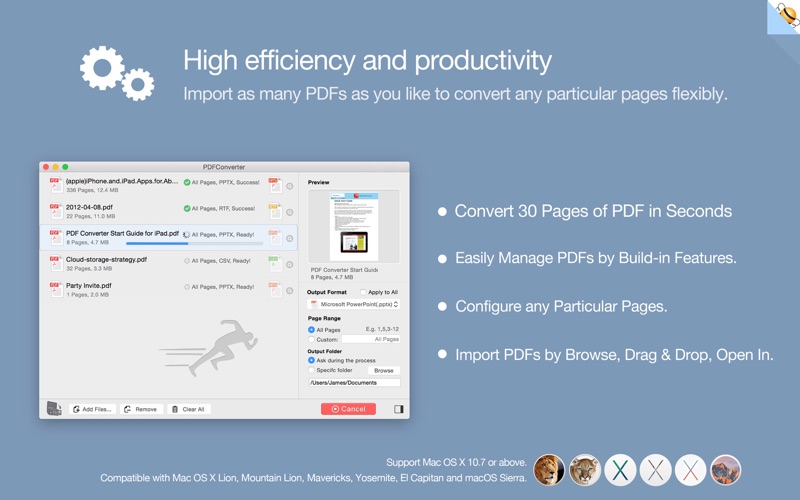
> High efficiency and productivity
Import as many PDFs as you like and flexibly convert specific pages.
• 3 ways to add PDFs: browse, drag & drop, or “Open With.”
• Easily manage PDFs using built-in insert, rearrange, delete, and open features.
• Specify custom page ranges (e.g., 1, 2–16, 35, or all pages) to suit your needs.
• 100% fast local processing—no cloud delays.
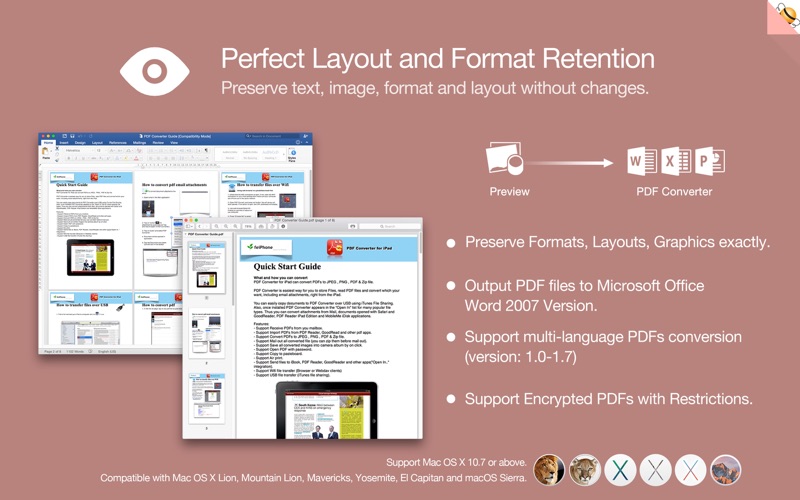
> Perfect accuracy and layout, formatting retention
All elements—including text, images, formatting, and more—are precisely preserved in Word documents.
• Original text, images, layouts, hyperlinks, tables, and vector graphics retained exactly.
• Stroked or filled vector graphics—including lines, arrows, rectangles, and pen-drawn Bezier paths—fully preserved.
• Converts encrypted PDFs with copy/print restrictions.
• Supports Adobe PDFs in multiple languages and versions from 1.0 to 1.7.
• Outputs to Office 2007+ compatible formats (.docx), viewable in both legacy and latest Office apps.
> And More…
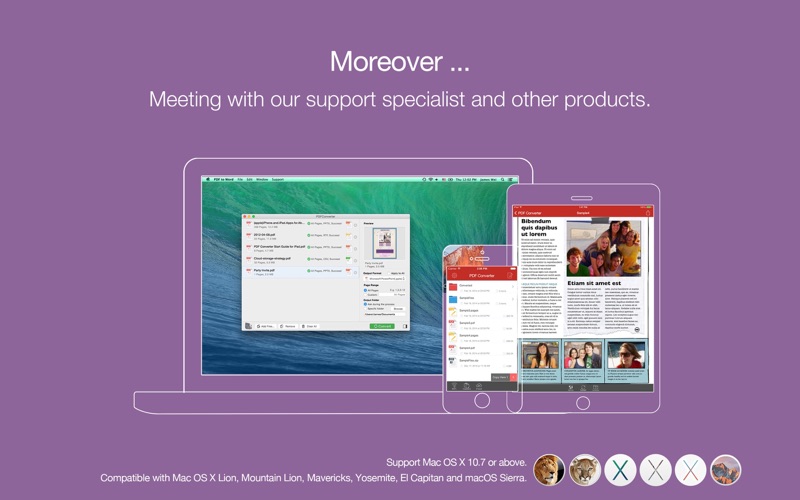
Connect with our support specialists and explore our other products.
• 100% free updates.
• Prompt email support response.
• Fully compatible with macOS 10.13 through macOS 27.x and later.
• Also available: PDF to Word for iPhone, iPad, and Mac.
We’re continuously improving this app—feel free to contact us with any questions, suggestions, or issues. We’ll reply as soon as possible.