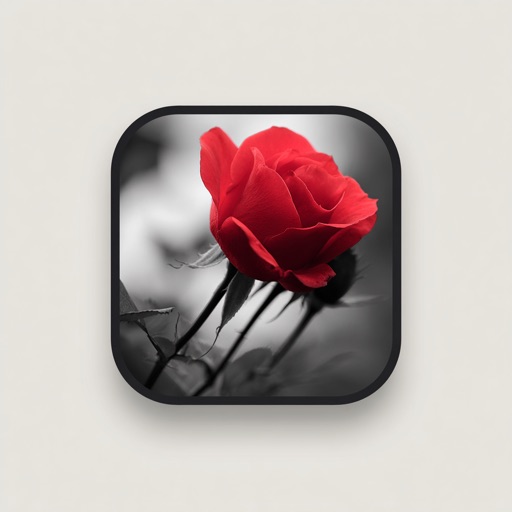
Edit videos by colorizing specific parts and adjusting brightness, saturation, and hue. Change of selected areas, adjust contrast and white balance, and apply vignette effects. Convert videos to black and white with retention in chosen details.
Edit photos by converting them to black and white while retaining selected details. Use multi-touch gestures to paint areas in black and white or restore original colors. Zoom in and out with two-finger pinching. Adjust and export edited images.
Edit photos with custom cropping, flipping, and rotating tools. Adjust incline and stretch for precise edits. Apply cinema-grade color grading and one-touch Magic Sky edits. Use poster templates for creative layouts.
Edit photos with selective effects using gesture controls. Zoom and pan to adjust splash areas. Convert parts of the image to grayscale while keeping selected regions in full . Export edited photos directly.
The app uses an automatic colorization technique based on scribbles to change object colors in photos. Users can mark parts of an image with any color and the app will apply the changes.
Edit photos with splash effects, convert images to black and white, or apply custom colors. Add filters, zoom in on photos, and use a brush tool. Export and share edited images directly.
Convert photos into sketches or cartoon avatars using 50+ effects like , Memory Style, and Old Movie Style. Apply 50+ cartoon effects to create humorous or artistic images. Save and share the edited photos directly.
Create custom wallpapers with scaling and resizing options on various backgrounds. Choose from color, gradient, pattern, bokeh, and text effects. Apply parallax effect for all iPhone and iPad devices.
Photos, slides, and negatives to create a digital library. Use AI to enhance and organize images. Share scanned items with others. Preview and edit basic scans within the .
Enhance quality with advanced algorithms to sharpen and clarify images. Adjust colors and brightness. Apply filters and effects. Edit multiple photos in batches. Share edited photos directly to social media.
Edit photos with brushes and black-and-white effects
Edit photos by converting them to black and white and selectively retaining with a finger brush tool. Zoom in and out using two-finger pinching for precise adjustments. Share edited images via email or upload to Twitter, Flickr, or Dropbox.
Selective coloring allows users to add to specific image areas against a monochrome background. Recolor tools enable adjustments to hair and eye colors. Users can apply advanced editing options to enhance and customize their photos.
Convert to grayscale and highlight a specific . Tap to select the to emphasize. Preserve detail and apply effects using advanced computer vision. Export edited images directly.
Convert black and white images to using selective recoloring. Select photos from the gallery or capture new ones. Pan and zoom for precise editing. Resize and fit images to the screen. Use redo and undo features for error correction.
Scan and digitize old photos, slides, and negatives using AI-powered image enhancement. Convert physical media into a digital library. Share scans with others. Access advanced editing tools and organize photos by date or event.