Change default keyboard font with customizable options. Select and apply unique fonts for messages, bios, and social media. Create themed keyboard wallpapers. Customize game nicknames and send styled text messages. Sync fonts across devices.
Customize layout with themes and hide elements like Shorts, comments, and ads. Enable auto-fullscreen and remove sidebars. Use AI video summaries and content filters. Set automation rules and focus tools to enhance productivity.
Keep track of scores with intuitive gestures. Swipe to score points quickly or tap to add individual points. View a mirrored layout for both players. Adjust scoring settings and save game progress.
Turn your smartphone or tablet into a wireless for your Mac. Connect quickly without technical setup. Use touchpad controls with swipe, scroll, and tap gestures. Control your device from across the room during presentations or tasks.
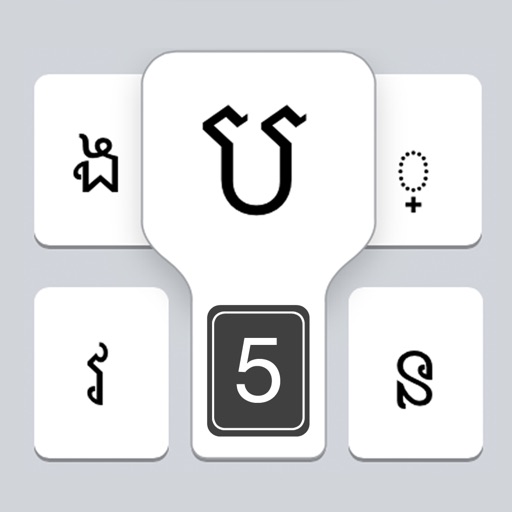
The app provides a fast and beautiful Khmer keyboard for iOS. It includes character preview, a 5-row layout, and full Khmer character support for easier typing.
Type with AI-driven suggestions that learn from your communication style. Predict text based on context and previous input. Customize layouts and themes. Access a virtual assistant for task management and reminders.
Characters through interactive lessons on individual symbols, modifiers, and sentence structure. Practice reading and typing with exercises and punctuation. Use the built-in keyboard to type messages, notes, and documents in .
The app provides a method for typing Bengali using an English keyboard through transliteration. It converts English phonetic spellings into Bengali script as users type, accommodating various input spellings for the same Bengali word.
Create and customize tier lists with support for up to 2,000 tiles and 50 tiers per list. Add images via search, paste, drag-and-drop, camera, or photo gallery. Include multiple text labels on tiles. Export and share tier lists directly.
Allows users to type in and English using different layouts. It includes standard QWERTY, compact QWERTY, and English QWERTY options. Users can switch layouts by moving the spacebar.