Send encrypted messages using historical ciphers like A1Z26, Caesar Shift, and Vigenere. Encrypt text with customizable settings. Share coded messages via text or email. Decode messages using the same methods. View details and instructions.
Learn and practice with interactive drills for each letter. Track progress and repeat exercises for reinforcement. Use the included keyboard to input within any application.
Send distress signals via using a keyboard or pre-set SOS sequence. Transmit signals through iOS device audio. Translate text to and vice versa. Access emergency communication features with one-touch activation.
Secure messaging allows users to send encrypted messages with end-to-end . Register using a fake 8-digit number instead of a phone number. Set a password for login and use a destroy password to erase all data. Connect to a private Morse server.
Learn and practice Morse Code by touching the screen to generate tones. Adjust tone frequency from 300 Hz to 1200 Hz and control volume. Send dots with short touches and dashes with longer holds.
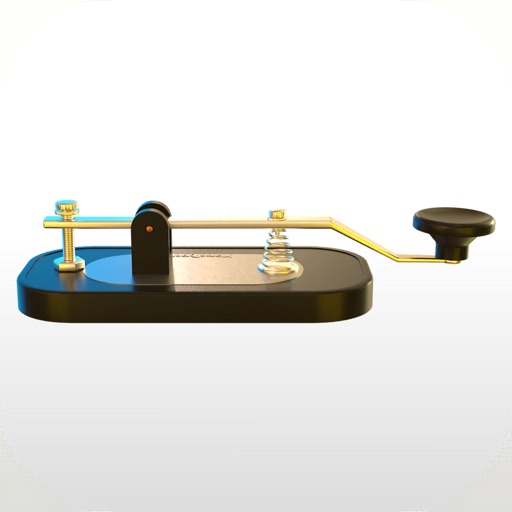
The app allows users to enter text using Morse Code by tapping a knob. Users can adjust the Morse Code speed from 5 to 45 WPM and choose between straight key or iambic keying modes.
Decode Morse code audio into text by accessing the microphone and placing the device near the audio source. The automatically detects frequency and speed, displaying real-time text in a bottom panel. Use the lock icon to secure the interface.
Translate text to with customizable speed and color. Send messages via email. Supports letters, numbers, and special characters. Blink iPhone light to transmit signals.