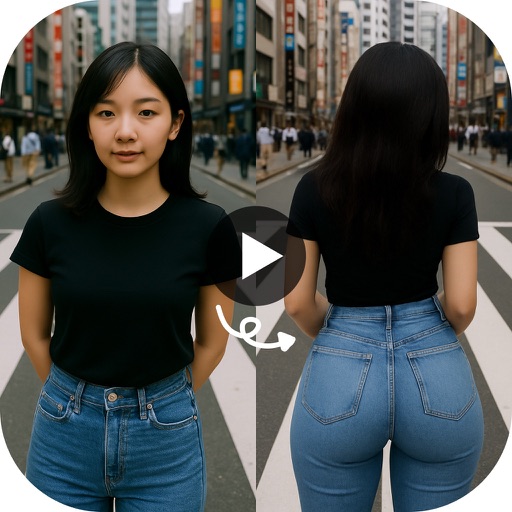
Create videos and animations using AI-powered tools. Transform images into anime or game characters. Edit videos with style filters and effects. Add text and music. Export and share finished projects directly.
Create videos from photos automatic styling and customization. Add stickers, text, and frames. Choose animation modes and apply filters. Share the final directly.
Create collages from up to 9 videos. Choose from various frames or none. Add visual and music. Use editing tools to customize projects quickly. Access templates for inspiration. Share finished collages directly.
Create collages by arranging multiple photos in predefined shapes. Choose from 100+ categories including hearts, animals, and flowers. Automatically place photos within selected shapes. Export finished collages.
Cut long videos into precise segments for . Trim selected parts with accurate timing. Export clips to share on , Twitter, Facebook, Instagram, Snapchat, and TikTok. Save edited videos to device storage.
Create reversed playback by selecting a and generating a preview. Edit the reversed by trimming sections, adjusting playback speed, setting volume, adding background music, or resetting edits. Save the final after editing.
Create videos using photos and music. Add text and transitions. Export and share videos directly. Edit clips, adjust timing, and include background music. Save and send to friends and family.
Store and organize photos and videos with secure access options. Set PIN, alphanumeric, or gesture-based passwords. Create multiple user accounts for content segmentation. Enable SnoopStopper™ to prevent unauthorized access.
Trim clips by selecting specific regions. Apply filters and add background music. Save edited videos to the camera roll. Share videos to YouTube, Viddy, Instagram, email, and WhatsApp.
Create animated twerking videos from photos or videos using AI-generated dance moves. Apply filters and effects. Choose from trending templates. Add text and music. Share directly to social media.
The app allows users to combine photos and music to create slideshow videos. Users can choose and arrange photos, edit them, add transitions, select music, and then save or share the video.
RAY INFORMATICS YAZILIM TEKNOLOJI MEDYA DANISMANLIK VE EGITIM TICARET LIMITED SIRKETI
Elements for cinematic effect
Create cinematic effects by blurring background elements while keeping subjects in focus. Use AI-powered segmentation to isolate people and objects. Adjust intensity and apply motion for dynamic scenes.