Apps Like Scribble Board – Freehand for iPhone and iPad
Draw, erase, and share instantly
Draw and sketch with pen, eraser, or lasso tools. Adjust pen thickness and color. Change canvas background color. Zoom and pan the canvas. Save and share drawings in one step.
Allows children to color and draw using a variety of templates and tools. Features include adjustable brush sizes, color palettes, and undo functions. Users can save and share artwork.
The app allows users to draw geometric shapes using a compass and ruler. Users can draw lines or circles with a pencil or paintbrush, and save or print their creations.
Edit images with shape drawing, text box insertion, and editable bounding boxes. Import images via drag-and-drop. Use pen tool, leaf brush, and brush tool for detailed edits. Adjust distortion and apply transformations.
The app offers multi-layer functionality for creating and saving images. It includes over 100 types of brushes with adjustable parameters and familiar preset tools for drawing and editing.
Create lighting mockups by tapping on home images to activate lights. Adjust colors and positions with zoom and pan tools. Preview static color effects without needing an account. Upgrade to Pro for advanced features.
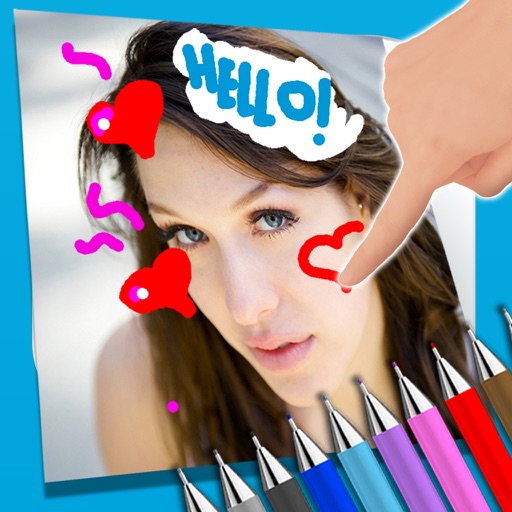
The app allows users to write notes and draw on images using a photo and text editor. Users can select from three pencil types and various colors, change backgrounds, and add captions to photos.
Books allow users to select fruit and doodles for customization. Choose colors from menus and apply different color styles. Adjust pencil size for better control and use an eraser tool for corrections.