Apps Like Scribble Board – Freehand for iPhone and iPad
Draw, erase, and share instantly
Draw and sketch with pen, eraser, or lasso tools. Adjust pen thickness and color. Change canvas background color. Zoom and pan the canvas. Save and share drawings in one step.
Convert handwritten notes or whiteboard sketches into editable diagrams. Create professional visuals using AI-powered tools. Access 40,000+ templates for flowcharts, org charts, and project plans. Edit diagrams with drag-and-drop elements.
Create and edit drawings using a variety of brushes and colors. Import images for reference. Save and share artwork. Access tutorials and tools for beginners and artists.
Sketch directly on the screen with pressure-sensitive tools. Adjust brush size and opacity. Rotate, resize, and move drawings. Save and share artwork in various formats. Export as vector or raster files.
Edit photos with stretching, squeezing, pinching, and prodding tools to create surreal effects. Apply advanced image manipulation techniques similar to professional software. Export edited images in various formats and share directly.
Create flowcharts, org charts, and process diagrams with drag-and-drop node addition. Use infinite canvas and 24 themes for customization. Organize nodes with containers and group them for complex layouts.
Create digital art with specialized brushes like Neon, Lightning, Calligraphy, and Spray. Apply realistic textures including Canvas, Paper, Metal, and Fabric. Use precision tools such as Pen and Touch for detailed work.
Create art using maps as a canvas. Choose from over 80 detailed maps to draw based on personal memories. Color streets to generate unique images. Save and share finished artwork.
Convert photos to black and white drawings for . Import photos from device or camera. Add colors using painting tools. Create drawings on blank canvas. Premium version offers more paint colors, opacity control, and outline editing. Removes ads.
Create art with layer editing, color customization, and drawing tools. Add, delete, and copy layers. Adjust colors and save projects. Requires over 300MB free storage to create new projects.
Create logos using AI-generated designs. Choose colors, fonts, and styles. Customize layouts and download in various formats. Share logos directly or export for print.
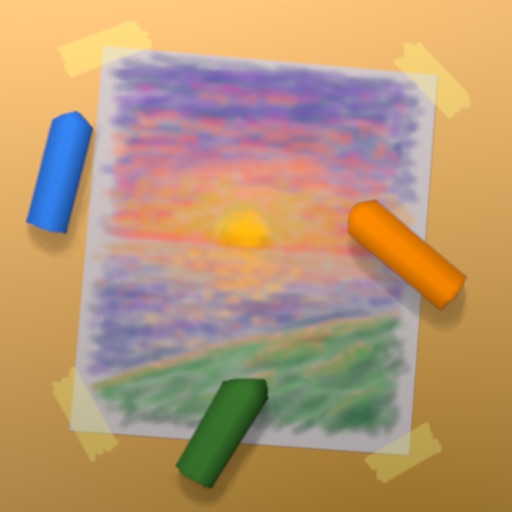
Create artwork with realistic pastel simulation using live-calculated brushes and strokes. Sketch or paint digitally, test compositions, and refine techniques without physical supplies. Save and share paintings directly.