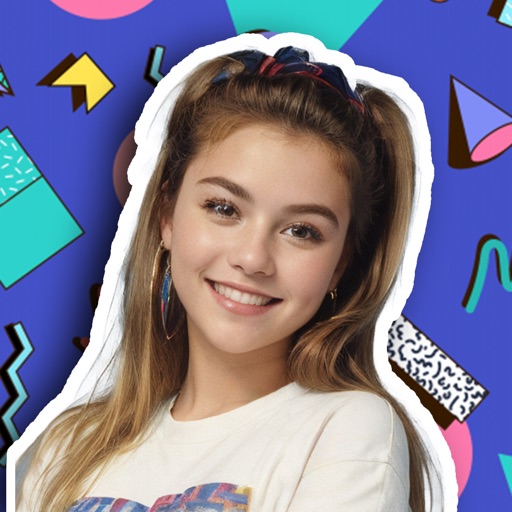
Transform photos into vintage styles from the 70s, 80s, 90s, or 2000s. Adjust hairstyles, clothing, and overall photo style to match the chosen era. Upload images, select a decade, and apply era-specific filters. Share edited photos with others.
by WHATSGOODAPPS LLC★ 5.01 ratingsPhoto & VideoFreeData updated 2026-09-06
Edit photos with cartoon filters, AI-generated toon effects, and anime styles. Convert selfies into AI characters or 3D images. Adjust hair color and style with virtual salon tools. Export and share edited photos in various formats.
The app displays photos from the user's library taken on this day in past years. Users can view memories grouped by year or browse a calendar timeline.
Create and share AI-generated images with personalized face swaps. Choose from various scenes and settings. Upload photos to generate new images. Share results with friends. Edit and adjust generated images. Access weekly new content updates.
See color values in real-time using the camera or convert photos to grayscale. Measure lightness of specific points. Apply grayscale filters for sketching. Helps with grayscale art and contour line practice.
Edit photos with seasonal and holiday themes. Apply nature-inspired filters and effects. Add text and stickers to images. Save and share edited photos directly.
Edit photos and videos with advanced filters, color correction, and layer blending. Add text, stickers, and effects. Export in various formats and share directly. Sync with cloud storage and access templates for editing.
Create artistic paintings from photos by selecting from 92 styles and adjusting focus points to emphasize different elements. Modify paintings by moving focus areas for unique effects. Export and share the final artwork.
Edit photos by selecting from a gallery or taking new ones. Choose from various -themed to enhance images. Save and share edited photos directly. Create postcards by combining photos with . Adjust and export final edits in different formats.
Photos into customizable grid layouts with up to 10 rows. Post to Instagram directly. Adjust grid presets and share images in larger, organized formats.
Add authentic to photos with adjustable controls. Customize intensity, texture, and distribution. Import textures from scanned plates. Edit existing images or start from scratch. Export and share edited photos.
Edit photos with retouch tools and apply filters. Create beautiful covers for social media. Upload and share directly from the . Adjust settings and save high-quality versions. Manage privacy settings for content.
Edit photos with advanced tools like layers, masks, and adjustment brushes. Crop, rotate, and resize images. Add text, stickers, and special effects. Export in various formats and share directly.
Transform photos into paintings with art filters inspired by famous artists like Warhol, Modigliani, Picasso, and Rembrandt. Apply 50+ aesthetic lens effects. Edit images without Photoshop skills. Share edited photos directly.
Take photos and apply distort, duplicate, or transform effects to create funny face images. Preview live filters before capturing. Create photos, videos, or animated GIFs with the 's effects.
Edit with film filters, light leaks, and grain effects. Apply motion blur and blur. Adjust colors using a magic color tool. Export edited images in various formats.
Convert photos into artistic styles like cartoons, watercolors, and pencil sketches using AI. Apply filters and adjust details. Save and share edited images directly.