Create and share instant photos with customizable filters and frames. Add text, stickers, and emojis. Save or share directly to social media or email. Adjust brightness, contrast, and saturation. Apply vintage or retro effects.
by Laurent Desserrey★ 4.825 ratingsPhoto & VideoFreeData updated 2026-09-06
Snap photos and add brief notes to create memory entries. Tag entries with custom labels and search using smart filters. View entries in a timeline and revisit moments with personalized insights. Share entries or export them as files.
Create art effects with one-click auto generation. Edit photos with filters, cutouts, background erasing, and changing. Blur images and adjust colors. Share edited photos directly to social media.
Use machine learning to enhance selfies with filters, effects, and pose adjustments. Edit photos by adjusting brightness, contrast, and skin tone. Share edited images via social media using the #shakyapp hashtag.
Browse from , coupons, and real-time offers. Search by category or location. Save favorite . Share with others. View deal expiry dates. Track price drops and compare prices across stores.
Receive push notifications for camp updates. Browse photo albums with camp images and videos. Access contact information for camp staff. View news and messages from the camp. Check a calendar of scheduled activities.
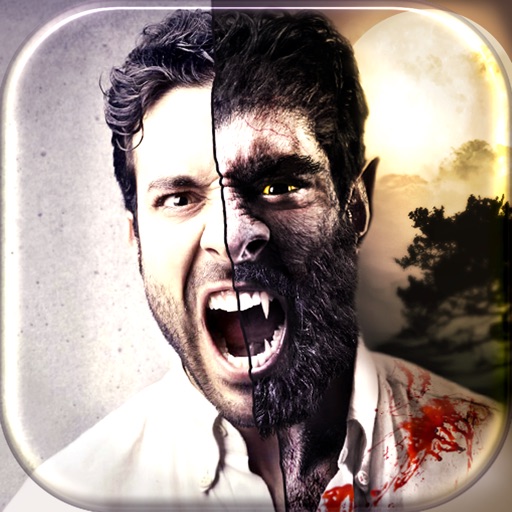
Apply -themed to images. Add text and stickers for customization. Share edited photos directly to social media or messaging apps. Includes a variety of spooky and festive frame options.
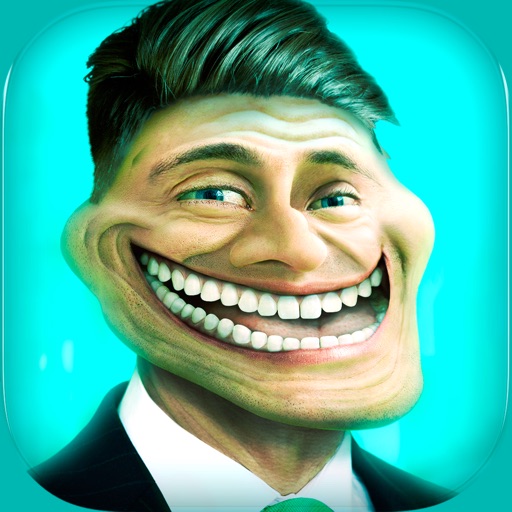
Create and share humorous photos with customizable faces, text, and comic bubbles. Add filters and effects. Edit images with built-in and text tools. Share directly to social media or messaging apps.
Track consumption by logging each bottle with details like type, taste, and budget. Create favorites for quick access. Organize wines into collections based on characteristics. Save notes and memories linked to each entry. Share details with others.
Edit photos with AI cartoonization and 3D effects. Adjust colors, lighting, and sharpness. Crop, rotate, and apply filters. Add stickers and music. Use templates and transitions to enhance videos. Share edited content directly.
Convert photos to black and white, sepia, or mono formats. Apply splashes to specific areas using touch. Adjust effects like hue, saturation, and contrast. Add photo filters for enhanced visuals. Export edited images in various formats.
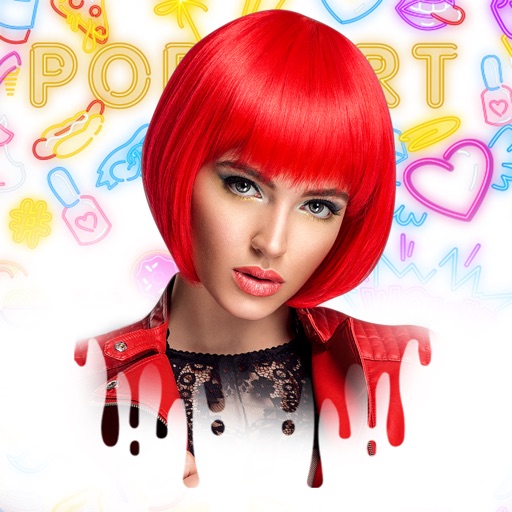
Edit photos by customizing hair color, lip color, and facial features like flower crowns, mascara, and eyebrows. Add accessories such as hats, earrings, necklaces, and tattoos. Include summer stickers and goggles. Apply glow effects and piercings.
Capture photos using customizable templates like rule of thirds and diagonals. Access composition tips to improve framing. Adjust exposure, contrast, and color balance in editing mode. Share finished images directly to social media platforms.